Why Creative Professionals Are Building AI-Powered Side Businesses (And the Tools They Use)
How creative professionals use a handful of AI tools, including AI receptionists, to run a client-facing studio solo, with real pricing for each.
 Kavya Joshi7 min read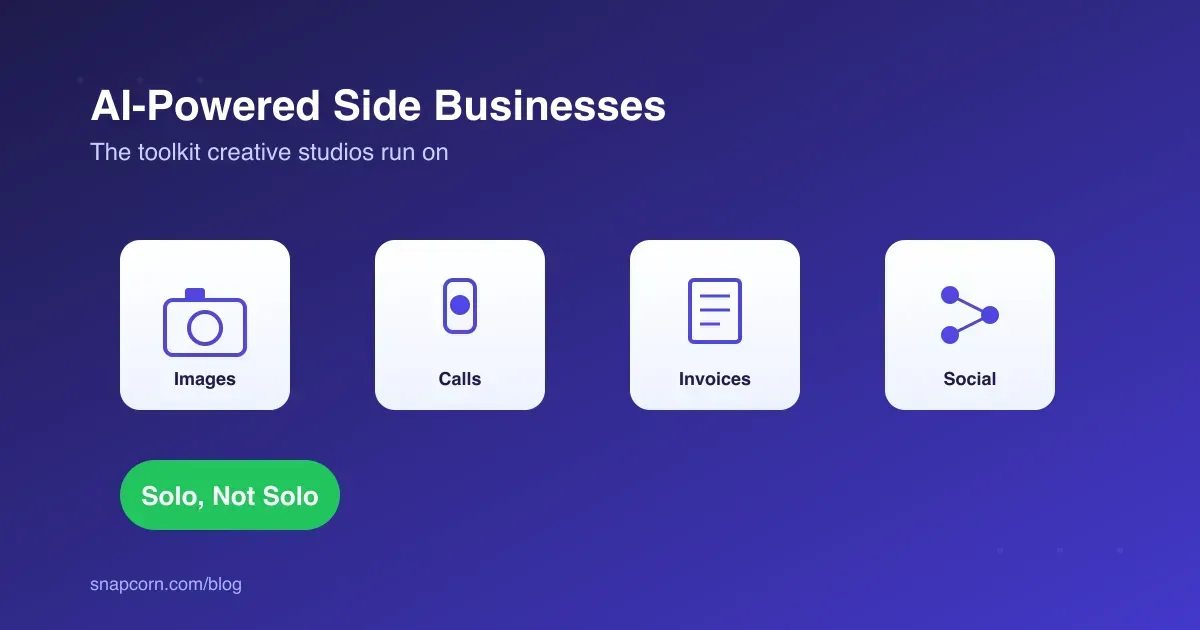
On this page
Key takeaways
- Photographers, designers, and videographers are turning solo practices into small studios using AI tools for calls, image editing, invoicing, and social media, without hiring anyone.
Starting a photography or design studio used to mean either staying a one-person operation forever or hiring your way into overhead you couldn’t yet afford. That middle ground, where you have client volume but not employee-level revenue, is where most creative side businesses used to stall. A handful of AI tools have quietly closed that gap: not by making the creative work easier, but by covering the admin work around it that used to require a person.
A wedding photographer, a freelance brand designer, a videographer picking up corporate clients on weekends: none of them got into the work to answer phones or chase invoices. The tools covered here exist so they don’t have to.
Key Takeaways
- The gap between solo freelancer and small studio used to require a hire. AI tools now cover the admin layer (calls, invoicing, social, image prep) that used to be the reason for that hire.
- AI receptionist pricing for small businesses runs roughly $25-160/month for basic plans, and $99-249/month for full-featured coverage with booking, well under a part-time employee.
- Image editing tools like Snapcorn remove the studio and retouching overhead for creators who shoot on location or on a phone.
- The riskiest part of automating a creative business is the client-facing voice. A script that sounds robotic on a discovery call costs more in lost bookings than it saves in time.
- Start with whichever task is currently capping how many clients you can take, not whichever tool looks best in a demo.
Why This Wasn’t Possible a Few Years Ago
The barrier to starting a studio was never the creative skill. It was everything downstream of it: answering client calls during a shoot, following up on invoices, editing and delivering images fast enough to stay competitive, keeping a social presence going without it eating every evening. All of that used to mean either doing it badly yourself, at the cost of billable hours, or hiring someone, at a cost most side businesses can’t justify in year one.
Specialized AI tools changed the math by unbundling that admin layer into subscriptions that cost less than a single client invoice.
The Core Toolkit for a One-Person Creative Studio
Four tools cover most of what a growing solo practice needs outside the actual creative work:
- Image editing: Snapcorn for background removal, upscaling, and quick retouching, useful for photographers who shoot fast and can’t spend hours per image in an editor.
- Client calls: an AI receptionist like Voksha for answering inquiries and booking consultations while you’re on a shoot or with another client.
- Invoicing and contracts: a document tool like PDF7 for client agreements, model releases, and invoices, instead of a folder of inconsistent templates.
- Social media: a scheduling tool like Social9 for keeping a portfolio account active without posting live from a job site.
None of these require technical setup beyond an account and a few minutes of configuration. That’s most of the point: the barrier to entry is a monthly subscription, not a hiring decision.
What Is the Typical AI Receptionist Pricing for Small Businesses?
Most small businesses land in one of three tiers. Budget plans for basic message-taking run $25-65 a month. Full-featured plans with 24/7 coverage and appointment booking run $99-249 a month. Some services price per call ($0.75-2.40) or per minute ($0.25-0.48) instead of a flat rate, which suits businesses with unpredictable call volume. Voksha’s own published pricing starts at $14/month for an entry tier, with a $99/month Premium tier and enterprise pricing from $990/month for higher call volumes.
Compare that to the alternative: a part-time receptionist runs $1,500-2,500 a month before benefits, and a traditional live-answering service runs $235-400 or more. For a creative solo operator taking client calls between shoots, even the full-featured $99-249 tier is a fraction of either option, and it’s the difference between a missed inquiry call going to voicemail (and often nowhere) versus getting answered and booked.
A Studio That Grew Without a Hire
Picture a freelance wedding photographer two years in, booked solid on weekends but losing weekday inquiry calls to voicemail because she’s shooting, editing, or in a client meeting most of the day.
The pattern that fixes this usually goes in order of what’s actually costing bookings:
- Missed inquiry calls first: an AI receptionist picks up during shoots, answers pricing and availability questions, and books consultation calls directly onto the calendar.
- Editing backlog second: background cleanup and color-consistent batches move through an AI image tool, cutting the post-shoot editing queue that used to delay delivery by weeks.
- Invoicing third: contracts and invoices move to a template-based document tool, so a signed contract and a deposit invoice go out the same day as the consultation, not whenever there’s a free evening.
- Social presence last: a content calendar gets scheduled a month out instead of posted inconsistently between jobs.
None of this changes what she actually does at a wedding. It changes whether a Tuesday-afternoon inquiry call turns into a booking or a missed call that never gets returned.
Comparing the Toolkit
| Need | Tool | Typical Cost | Replaces |
|---|---|---|---|
| Client calls & booking | Voksha | $14-249/month | Receptionist, missed-call follow-up |
| Image editing | Snapcorn | Usage-based | Studio time, retoucher |
| Contracts & invoices | PDF7 | Low/no monthly cost | Admin assistant |
| Social scheduling | Social9 | Free trial, paid tiers | Social media manager |
The total for all four typically lands well under a single part-time hire, and none of it requires giving up creative control the way outsourcing the actual photography or design work would.
Where This Breaks Down
The risk in automating a creative business isn’t cost, it’s tone. A discovery call for a wedding, a brand shoot, or a video project is a high-trust, high-touch conversation. A script that sounds obviously robotic on that call costs more in a lost booking than it saves in time, because clients are evaluating whether they trust this person with their wedding day or their brand launch, not just checking prices.
The fix is scope, not avoidance: let the AI receptionist handle first-contact questions (availability, starting price, general process) and route anything that needs real rapport, a detailed quote conversation, a difficult client, straight to a human calendar slot. The same caution applies to AI-edited images and AI-drafted social captions: useful as a first pass, not a substitute for the judgment that’s actually the product.
Signs You’ve Outgrown the Solo Stack
The AI toolkit has a ceiling, and it’s worth knowing where it is before you hit it. Three signals usually mean it’s time to bring on an actual person rather than add another tool:
- The AI receptionist is escalating more calls than it resolves. If most inquiries need a real quote conversation because your pricing is custom per project, you’ve outgrown a scripted first-contact layer and need someone who can actually sell.
- Editing volume outpaces what a tool can batch-process. Background removal and upscaling handle repetitive, similar shots well. A wildly varied shoot that needs creative retouching per image still needs a person, either you or a hired editor.
- You’re turning down work because of admin, not capacity. If contracts, invoicing, and scheduling are eating hours you’d rather spend shooting or designing, and the tools are already optimized, that’s a signal to hire an assistant, not to add a fifth subscription.
None of this means the tools stop being useful once you hire. A studio with an assistant still benefits from AI image prep and social scheduling. The tools just stop being a substitute for headcount and start being what they were for a solo operator too: a way to spend less time on the parts of the business that aren’t the actual craft.
Getting Started
Automate whichever task is currently capping how many clients the business can take on, not whichever tool looks most impressive. For most solo creatives, that’s missed calls first, since a call that goes to voicemail during a shoot is a lead that usually doesn’t come back on its own.
FAQ
What is the typical AI receptionist pricing for small businesses? Budget plans run $25-65/month for basic message-taking. Full-featured plans with booking and 24/7 coverage run $99-249/month. Some providers price per call or per minute instead. All of it is well under the $1,500-2,500/month cost of a part-time hire.
Do I need technical skills to set up these tools? No. Most of these tools are subscription services configured through a dashboard, not software you build or maintain.
Will an AI receptionist sound robotic to potential clients? It can, if the script is generic. Scope it to first-contact questions (pricing, availability, process) and route anything requiring real rapport to a human conversation.
How much does it cost to run a one-person creative studio on these tools? Typically a few hundred dollars a month across call handling, image editing, invoicing, and social scheduling, well under the cost of one part-time hire covering the same ground.
What should a solo creative automate first? Whatever’s currently costing bookings. For most, that’s missed inquiry calls during shoots, since a voicemail rarely converts as well as a live answer.