The AI-First Business Stack: Tools That Run Your Company 24/7
How a solo founder replaces a five-person team with six specialized AI tools covering phone, email, social, images, content, and documents, all running around the clock.
 Neha Kapoor8 min read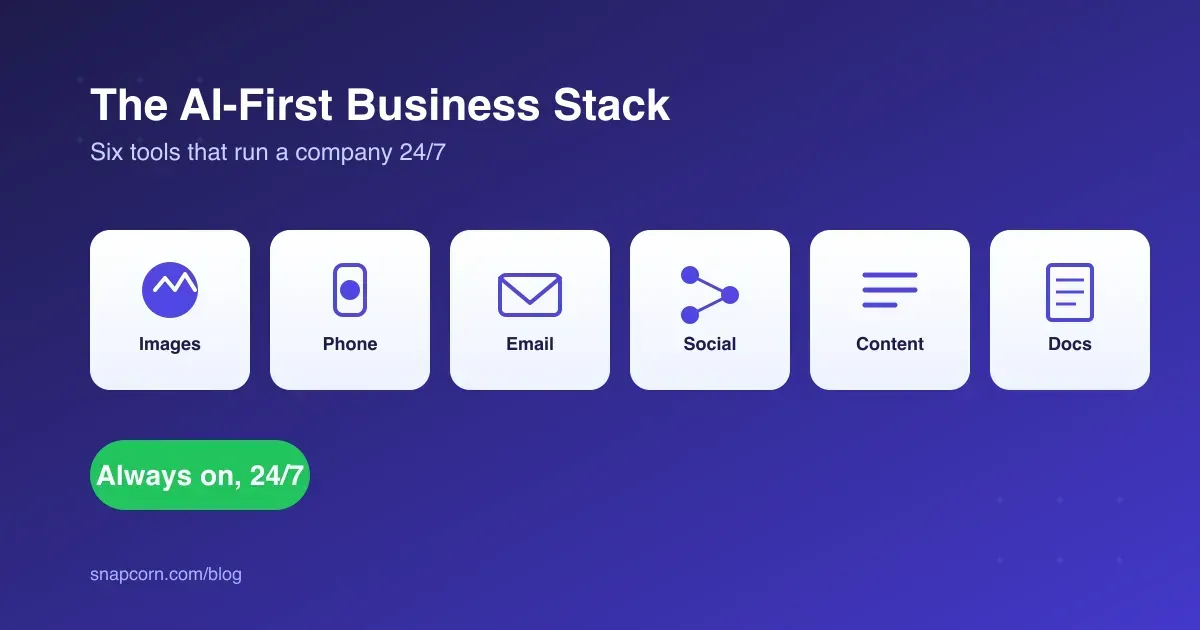
On this page
- What Is an AI Business Stack?
- Why the 24/7 Part Matters More Than the AI Part
- What Are the Best Alternatives to Hiring a Human Receptionist for a Small Service Business?
- How a One-Person E-Commerce Brand Runs on This Stack
- Comparing the Stack
- What This Costs vs. Hiring
- Rollout Order: What to Automate First
- Where This Breaks Down
- FAQ
Key takeaways
- A one-person e-commerce brand can now run phone, email, social, content, images, and documents on six specialized AI tools instead of hiring, because AI doesn't clock out.
An AI-first business stack is a set of specialized AI tools, one per function (images, phone, email, social, content, documents), that let a single founder run operations a five-person team used to handle. No single tool does everything well, so the stack works by being narrow: each piece is good at one job, and it runs whether anyone’s awake or not.
A human team clocks out. A phone-answering AI, an email-drafting AI, and a social scheduling AI don’t. For a one-person e-commerce brand, that’s the gap between missing a 9pm order question and losing the sale to whoever answered it first.
Key Takeaways
- An AI-first stack is task-specific tools stitched together, not one platform doing everything. Specialization wins on output quality.
- The 24/7 part is the actual value driver: no shifts, no time zones, no PTO, which matters most for after-hours moments that decide whether a sale closes.
- A solo e-commerce operator can now cover phone, email, social, content, images, and documents without hiring, running one tool per function.
- A bad handoff is worse than no automation. AI phone and email tools need clear escalation rules for anything outside their script.
- Start wherever you’re currently dropping the ball, not with whichever tool looks most impressive. Missed calls and slow replies are the usual reason a small brand adds this first.
What Is an AI Business Stack?
A small set of AI tools, each covering one operational function, connected around a single business instead of replaced by one do-everything platform. For a small service or e-commerce business, a minimal stack covers six jobs:
- Images and design: Snapcorn for background removal, upscaling, and product photo editing
- Phone answering: an AI receptionist like Voksha, which answers in 200+ languages and starts at $14/month
- Email: an AI email platform like Mailazy, used by 500+ SaaS companies for onboarding and lifecycle email
- Social media: an agentic scheduling and content tool like Social9 for posting across channels in brand voice
- Written content: a drafting tool like LogicBalls, used by 60,000+ writers and marketers, from $9.99/month
- Documents: a PDF tool like PDF7 covering conversion, editing, and AI summarization in the browser
None of these tools depend on each other. You adopt them one at a time, in whatever order matches where the business is actually losing time or money right now.
Why the 24/7 Part Matters More Than the AI Part
The instinct is to frame this as “AI got smarter, so use more of it.” Wrong frame. Availability is what’s doing the work here, not intelligence.
A small service business that only answers calls 9-to-5 is unreachable the other sixteen hours of the day. Missed-call abandonment for small businesses commonly runs 60-80%: the caller hits voicemail and never calls back. An AI receptionist doesn’t fix that by being more charming than a human. It fixes it by picking up at 11pm on a Saturday, when nobody’s scheduled to.
Same logic for email and social. A DM to a boutique brand’s Instagram at midnight either gets a same-night reply, or it gets read the next morning after the customer already bought from someone else. Speed-to-response moves revenue for small operators more than how sophisticated the tool answering is.
What Are the Best Alternatives to Hiring a Human Receptionist for a Small Service Business?
AI phone-answering services, shared virtual receptionist services, and voicemail-to-text with a fast callback process. Of these, an AI receptionist is the closest functional match to a human: it answers live, handles bookings and FAQs on a script, and escalates anything unfamiliar. Voksha, for example, publishes call data showing one in three calls to its customers aren’t even in English, which is a problem a scripted phone tree can’t solve but a multilingual AI receptionist can.
The trade-off is scope. An AI receptionist handles the routine 80% of calls (hours, pricing, availability, booking) well. The other 20%, an angry customer, an unusual ask, a negotiation, still needs a human on the line. A receptionist tool worth paying for makes that handoff obvious instead of trapping the caller in a script loop.
How a One-Person E-Commerce Brand Runs on This Stack
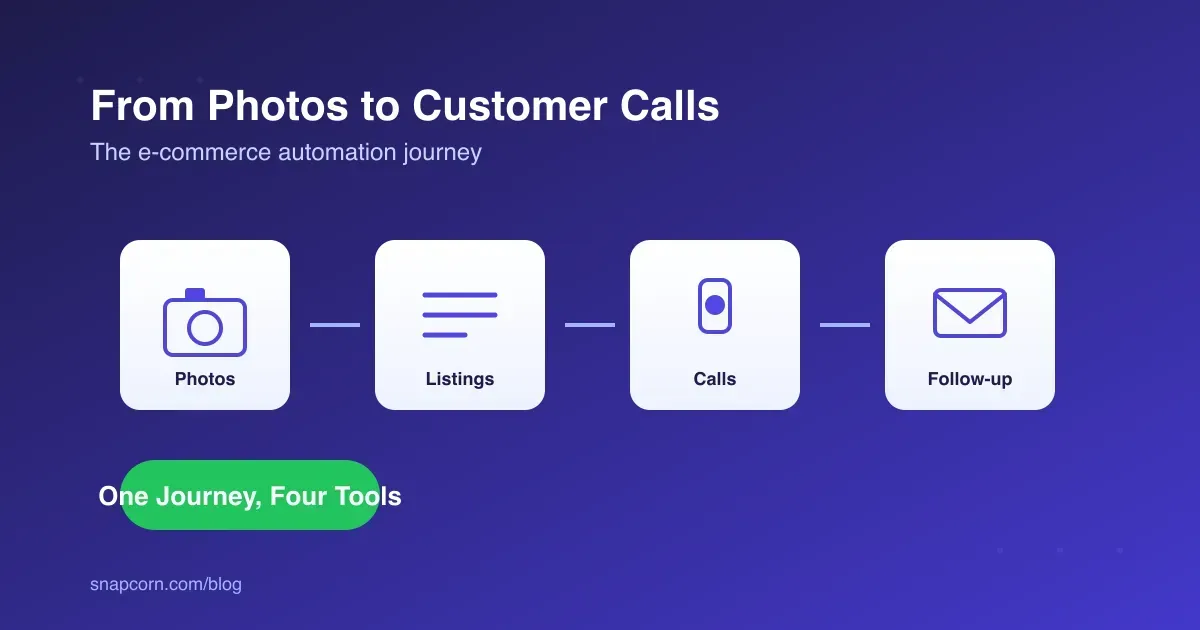
Take a solo founder running a skincare brand. Here’s how six tools split the work a small team used to do:
- Product photography runs through Snapcorn: phone photos get clean backgrounds and higher resolution for the storefront, no studio needed.
- Customer calls (“Is this in stock?” “Do you ship to Canada?”) get answered by an AI receptionist around the clock, with order-status questions handled directly and refund disputes routed to the founder’s phone.
- Support and marketing email gets triaged and drafted first-pass, so the founder is reviewing and sending, not writing every reply from a blank page.
- Instagram and TikTok posting runs on a weekly schedule queued in advance, with comment replies drafted for approval rather than posted blind.
- Blog and product copy starts as an AI first draft, then gets edited for brand voice before it goes live. Worth keeping manual, for reasons below.
- Invoices, supplier contracts, and return forms run through a PDF tool instead of a shared drive full of inconsistent templates.
None of this replaces the founder’s judgment on brand voice, pricing, or how to handle an unhappy customer. It replaces the hours spent on the mechanical version of each task.
Comparing the Stack
| Function | Tool | Replaces | Runs Unattended |
|---|---|---|---|
| Images & design | Snapcorn | Photographer, photo editor | Yes |
| Phone answering | Voksha | Receptionist | Yes, with escalation |
| Mailazy | Inbox management, first-draft replies | Partial, review before send | |
| Social media | Social9 | Social media manager | Yes, scheduled |
| Written content | LogicBalls | Copywriter (first draft) | No, needs an editorial pass |
| Documents | PDF7 | Admin/ops person | Yes |
The last column is the one that matters. Anything touching money, legal language, or brand voice keeps a human review step. Anything touching formatting, scheduling, or routine answers can run without one.
What This Costs vs. Hiring
Tools in this category price as monthly subscriptions in the tens of dollars, not hundreds, because each one only does one job. LogicBalls starts under $10 a month; Voksha’s entry tier is $14. Stack five or six of them and the total still lands well under the cost of a single part-time hire.
For scale: the U.S. Bureau of Labor Statistics puts median annual pay for receptionists at roughly $34,000 (2023 data), before payroll tax, benefits, or scheduling. One AI receptionist subscription covering unlimited after-hours calls costs a fraction of that, even after adding five more tools on top for email, social, content, and documents.
That’s not the same as free. Reviewing AI drafts, handling escalations, and editing AI-written copy before it publishes are still real hours a founder spends. The saving is skipping the mechanical work, not skipping the work.
Rollout Order: What to Automate First
Don’t adopt all six tools in the same week. Start with whatever’s currently costing the business the most visibly, then add the rest as each one earns its keep:
- Missing calls or bookings: start with an AI receptionist. Usually the highest-leverage move, since a missed call is a lost sale that never shows up in your analytics.
- Inbox is the bottleneck: start with email drafting and triage. Slow replies lose customers as reliably as unanswered calls, just more quietly.
- Product photos holding up new listings: start with image editing. Lowest-risk of the six, since there’s no customer-facing failure mode, just a quality bar to clear.
- Feed’s gone quiet: add social scheduling once calls and email are handled.
- Paying a freelancer for every blog post or product description: add a content drafting tool, but budget real editing time before anything publishes.
- Contracts and invoices live in a messy folder: add a document tool last. Useful, rarely the first fire to put out.
Automate whatever customers already notice is broken, not whatever looks most impressive in a demo.
Where This Breaks Down
Two failure modes show up over and over: an AI receptionist or email tool with no clear escalation path, and AI-drafted content published without a human editing pass. The first frustrates customers who needed a real person and couldn’t get one. The second reads as generic to both readers and to the AI search engines increasingly deciding which pages get cited, since neither rewards content that skipped a human check.
Fix for both: write down, explicitly, what each tool is allowed to decide on its own and what always routes to a person. A receptionist script that knows to say “let me connect you with someone” beats one that never admits it’s stuck.
FAQ
What is an AI-first business stack? Specialized AI tools, one per function, covering images, phone, email, social, content, and documents, run together by a small team or solo founder instead of hiring for each role.
What are the best alternatives to hiring a human receptionist for a small service business? AI phone-answering services like Voksha, shared virtual receptionist services, and fast voicemail-to-text callback systems. AI receptionists come closest to a human for routine calls, with escalation built in for anything unusual.
Can one person really run an e-commerce brand with just AI tools? For the operational layer, yes: images, calls, email drafts, social scheduling, first-draft copy, documents. Brand judgment, pricing calls, and actual customer relationships still need a person.
Do these tools actually work around the clock? That’s the point of using them over hiring. Phone answering, email triage, and social scheduling run at 2am the same as 2pm, which matters most for the after-hours questions that would otherwise sit until the next business day.
Is it safe to publish AI-generated content without editing it? No. Use a tool like LogicBalls for the first draft, then edit for accuracy and brand voice before it goes live. Unedited AI copy is exactly what erodes the expertise signals both readers and AI search engines are checking for.