
9 Free AI Tools That Deserve Way More Hype Than They Are Getting (2026)

Most people cycle through the same three or four AI tools and miss an entire tier of free platforms that solve very specific, very real problems. The nine tools on this list have collectively served millions of users, yet they rarely trend on social media or make the front page of tech newsletters. This guide fixes that.
Whether you need to protect your backlinks from disappearing out of AI search results, transcribe a 90-minute meeting, build a pitch deck with a single prompt, generate studio-quality voiceovers, or find scientific consensus backed by 200 million peer-reviewed papers, there is a free tool on this list built exactly for that job.
Quick Comparison Table
Tool | Category | Free Plan Highlights | Paid Plans Start At | Best For |
|---|---|---|---|---|
AI Writing + 5,000+ Apps | 14,000 words/month, 2,000+ tools, 3 AI models | $5/month (billed $59.99/year) | Hallucination-free AI outputs for any task | |
Backlink Monitoring (AEO/GEO) | 2 projects, 20 backlinks, weekly checks | $20/month | Protecting backlinks that power AI search citations | |
AI Voiceovers | 500 credits/month (6.6 min), 3 standard voices | $7.50/month (billed $90/year) | Realistic AI voiceovers with 600+ voices | |
AI Writing Suite + Detection | 6 tools completely free | Free (no paid plan listed) | AI detection, humanizing AI text, grammar | |
Gamma app | AI Presentations + Docs | 400 one-time AI credits, unlimited creations | $8/month/user (billed annually) | Turning ideas into decks and websites fast |
Otter ai | AI Meeting Transcription | 300 min/month, 30 min/conversation | $8.33/month (billed annually) | Auto-transcribing and summarizing meetings |
Elicit org | AI Research Assistant | Unlimited paper search, 2 reports/month | $12/month (billed $120/year) | Literature reviews across 138M+ papers |
Scribe | AI Process Documentation | Web capture, unlimited guides | $23/month/user (billed annually) | Auto-generating SOPs and how-to guides |
consensus app | AI Academic Search | 10 Pro Analyses + 10 Study Snapshots/month | $8.99/month (billed $108/year) | Finding scientific consensus fast |
1. LogicBalls: The First Hallucination-Free AI
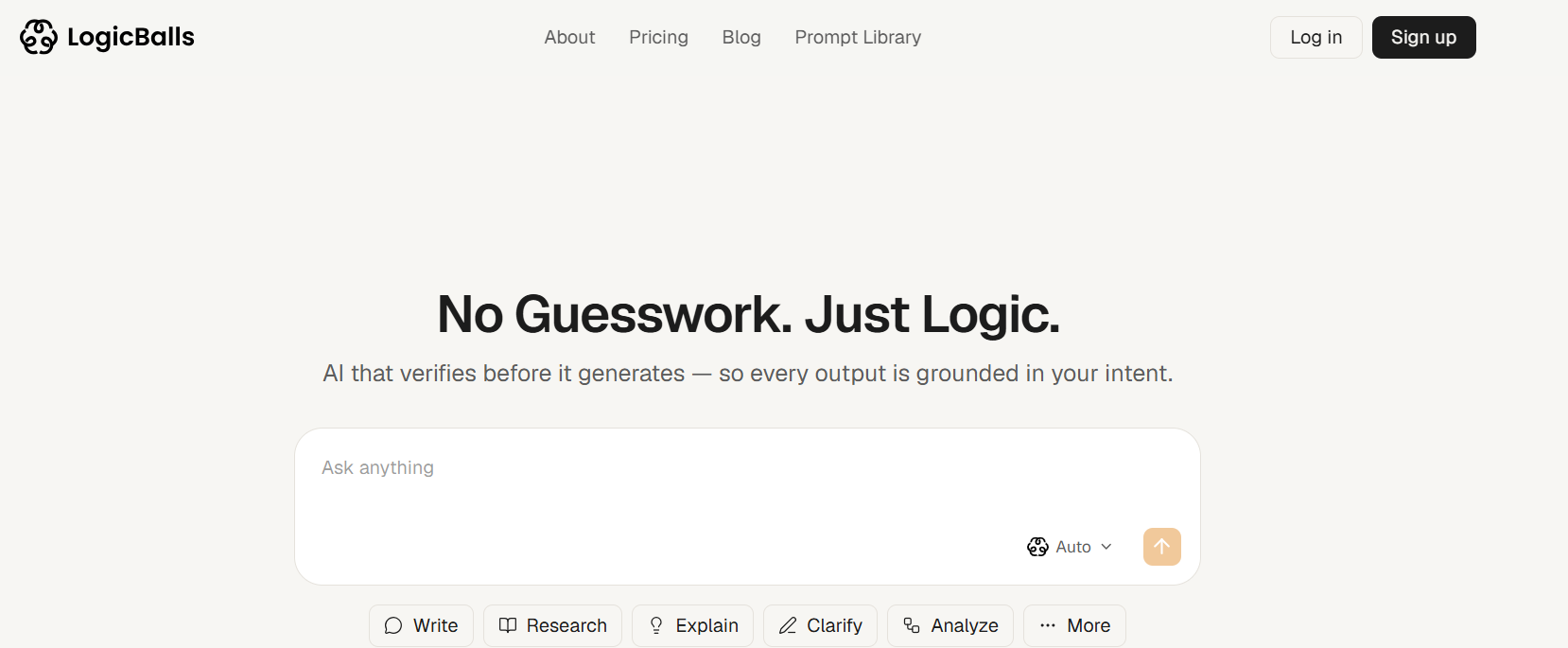
LogicBalls stands out from every other AI platform because it asks clarifying questions before answering, eliminating the guessing that leads to AI hallucinations. With access to over 5,000 AI-powered apps and a free tier that includes 14,000 words per month, it is the most underrated all-in-one AI workspace most people have never tried.
Most AI tools give you a confident-sounding answer and move on. LogicBalls pauses, asks two or three targeted questions when it needs more context, and then generates output grounded in what you actually told it. The result is a platform that has served over 200,000 users and 15 million generations with, by their claim, zero hallucinations.
Best For: Freelancers, marketers, business owners, and anyone tired of fact-checking AI outputs before using them.
What Makes It Different
LogicBalls is not just a chat assistant. It hosts a marketplace of over 5,000 purpose-built AI apps, from email writers and blog generators to legal document drafters and social media caption tools. The free plan gives you access to 2,000 of those tools, making it one of the most generous free tiers in the AI space.
The hallucination-free promise works because the system actively seeks clarification before generating output. Where ChatGPT or other tools might invent a statistic or confidently produce an inaccurate claim, LogicBalls surfaces uncertainty and asks for the missing context first.
Pricing
Plan | Price | Words/Month | AI Models |
|---|---|---|---|
Free Forever | $0 | 14,000 basic words | 3 models |
Pro | $5/month (billed $59.99/year) | 500,000 basic + 150,000 human-like | 10 models |
Premium | $8.25/month (billed $99/year) | Unlimited basic + 500,000 human-like | 15 models |
Elite | $11.67/month (billed $139.99/year) | Unlimited basic + Unlimited human-like | 31 models |
Enterprise | Custom pricing | Custom | Custom |
Pros
Hallucination-free approach through clarifying questions is genuinely unique
5,000+ specialized AI apps cover almost every use case imaginable
Free plan includes 2,000+ tools and 14,000 words per month, usable without a credit card
Supports 31 AI models on the Elite tier, including models not found bundled elsewhere
Active community forum and extensive blog/glossary resources
Cons
The clarifying question flow adds an extra step that can feel slow for simple, one-off tasks
Free plan limits human-like word generation to basic output only
The sheer number of apps can be overwhelming for new users without a clear starting point
Website: logicballs.com
2. LynkDog: The Backlink Monitor Built for the Age of AI Search
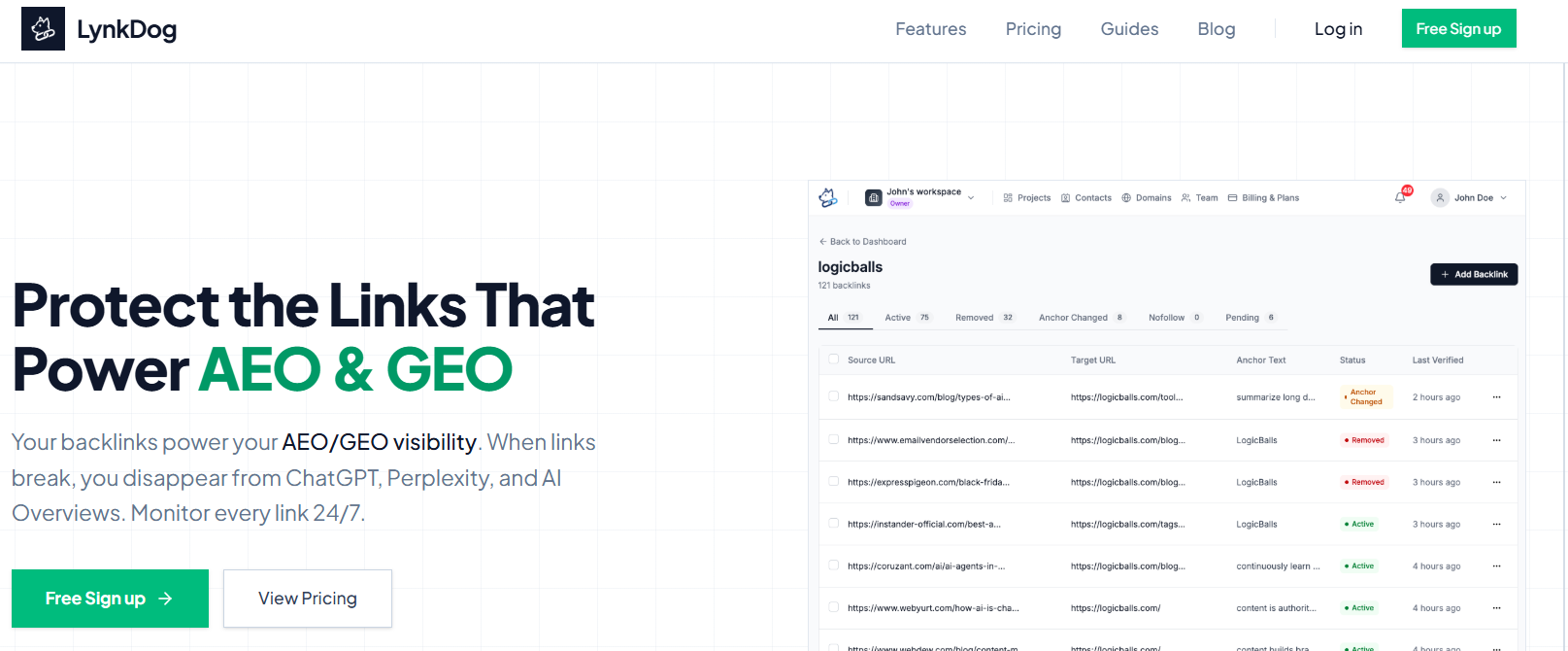
LynkDog monitors every backlink in your portfolio around the clock and alerts you the moment a link breaks, changes anchor text, or goes nofollow, because in 2026, a dead backlink does not just hurt your Google rankings, it removes you from ChatGPT, Perplexity, and Google AI Overviews too. With a free plan covering 20 monitored links and a SOC2-compliant infrastructure, it is the most underrated tool for any marketer, agency, or brand that cares about AEO and GEO visibility.
Most people think of backlink monitoring as an SEO task. LynkDog reframes it as an AI visibility task. AI engines like ChatGPT and Perplexity use backlink authority signals to decide which brands to cite in their answers. When a hard-earned backlink dies and you do not catch it, your authority score quietly erodes and AI systems start citing your competitors instead.
Best For: SEO agencies, digital marketers, content teams, SaaS companies, and any brand actively building AEO or GEO visibility through link-earning strategies.
Why This Matters Right Now
According to LynkDog's own research, 94% of B2B buyers now use LLMs during their buying process, and half of software buyers begin their journey in an AI chatbot rather than a traditional search engine. Brands cited in AI answers convert at 14.2% compared to 2.8% from traditional search. That conversion gap makes every live backlink a revenue signal, and every broken one a missed opportunity.
LynkDog checks every link in your profile multiple times per day, tracking status codes, anchor text changes, nofollow attribute additions, and page removals. When something changes, you get an instant alert via Email or Slack before the damage compounds. The Link Audit History feature maintains a permanent record of every change, which is useful for client reporting and compliance.
The platform integrates with Google Search Console for bulk import, accepts CSV uploads, and connects with Ahrefs and SEMrush to pull domain authority and rating metrics directly into your monitoring dashboard. Domain Health Metrics automatically fetch and visualize DA, DR, and related signals for every domain in your portfolio.
Pricing
Plan | Price | Projects | Backlinks Monitored | Verification | Team Members |
|---|---|---|---|---|---|
Free | $0/month | 2 | 20 total (10/project) | Weekly | 1 |
Pro | $20/month | 10 | 1,000 total (100/project) | Daily | 5 |
Premium | $100/month | 100 | 100,000 total (1,000/project) | Daily | 50 |
All plans include no credit card requirement to start and a free forever option. The Premium plan adds API access (listed as coming soon) and supports up to 50 team members.
Pros
Purpose-built for AEO and GEO, not just traditional SEO, which is genuinely rare in the backlink monitoring category
Monitors multiple times per day on paid plans, not just a nightly crawl
Instant alerts via Email and Slack mean you catch problems before they affect AI citations
Integrates directly with Google Search Console, Ahrefs, and SEMrush for seamless portfolio imports
SOC2 compliant infrastructure with 99.9% uptime
Free forever plan requires no credit card
Permanent Link Audit History supports client reporting and compliance workflows
Trusted by 500+ agencies and used by recognized brands including GPT0, Snapcorn, and GrackerAI
Cons
Free plan is limited to 20 monitored backlinks across 2 projects, which is sufficient only for solo users or initial testing
API access is listed as coming soon rather than currently available, even on the Premium plan
Weekly verification on the free plan may be too slow to catch fast-moving link changes
Premium pricing at $100/month may be steep for individual freelancers monitoring smaller portfolios
No mention of a mobile app; monitoring appears dashboard-based only
Website: lynkdog.com
3. Kveeky: Studio-Quality AI Voiceovers at a Fraction of the Cost
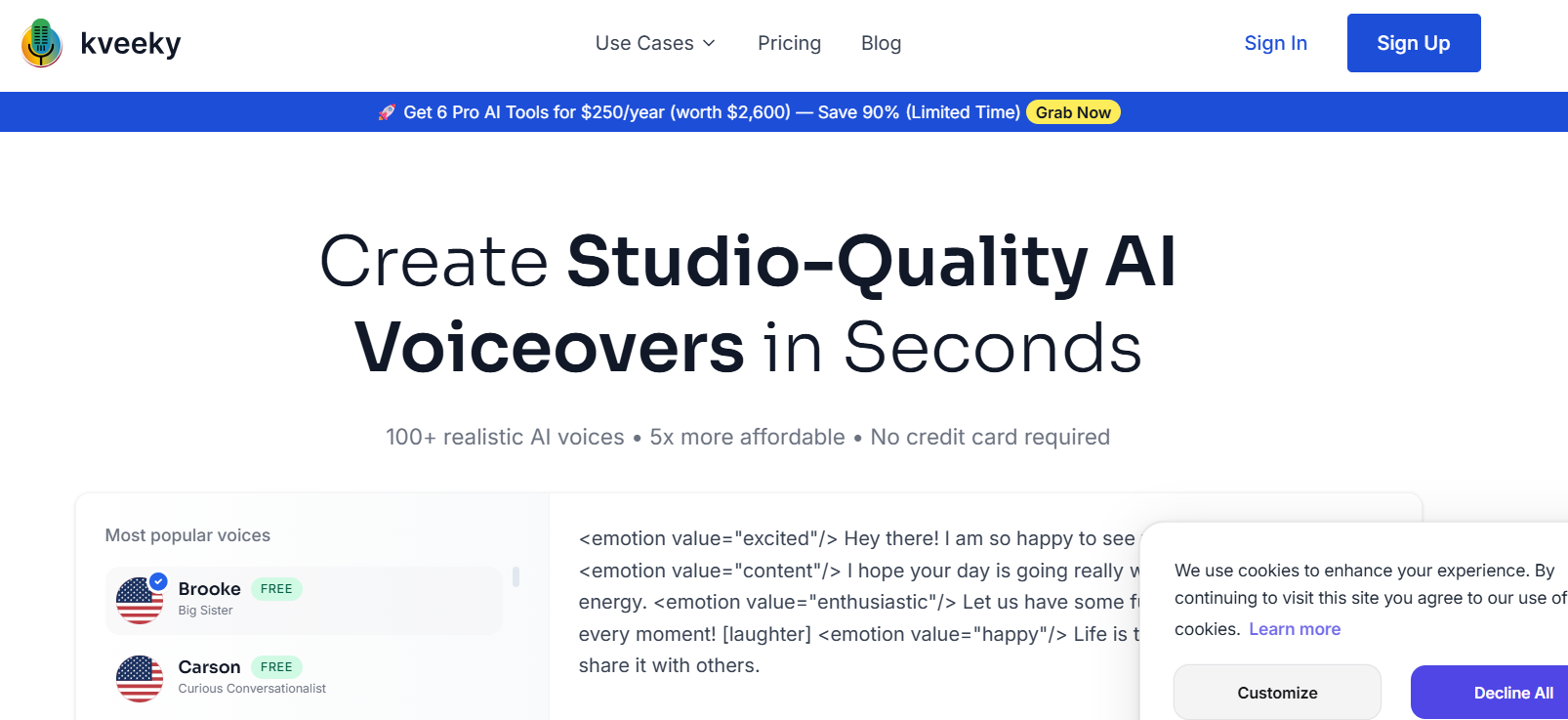
Kveeky offers 600+ realistic AI voices in 200+ languages, with a free tier that gives you 500 credits per month (about 6.6 minutes of audio) and access to standard voices, all without a credit card. At five times more affordable than comparable professional voiceover services, it is the go-to tool for content creators, marketers, and educators who need professional narration at scale.
The gap between a generic text-to-speech engine and a convincing human-sounding voiceover used to require a recording studio or a freelancer. Kveeky has closed that gap using advanced AI synthesis that supports emotional tones including excited, content, and enthusiastic delivery, as well as custom voice cloning so brands can sound consistent across every piece of content.
Best For: YouTubers, course creators, podcast producers, marketing teams, and businesses that need multilingual voiceovers without hiring voice actors.
Standout Features
Kveeky is not just a voice selector. The platform includes an AI scriptwriter that generates the script from a topic prompt, letting you go from idea to finished voiceover in one session. The emotion controls let you layer tone (happy, sad, surprised, angry, disgusted) on top of a voice, a feature most competitors lock behind expensive enterprise tiers. Voice localization extends your reach into non-English markets with natural-sounding regional voices.
The free plan includes three voices (Brooke, Carson, and Katie) from the standard tier, which are genuinely usable for early-stage content. Upgrading unlocks the full 600+ voice library and custom voice clones.
Pricing
Plan | Price | Credits/Month | Highlights |
|---|---|---|---|
Free | $0 | 500 (6.6 min) | Standard voices, 5 voice clones |
Basic | $7.50/month (billed $90/year) | 75,000 (100 min) | All 600+ voices, 5 custom clones |
Pro | $12.50/month (billed $149.99/year) | 100,000 (133 min) | Voice localization, priority support, 10 clones |
Premium | $24.17/month (billed $290/year) | 150,000 (200 min) | Same as Pro with more minutes |
Business | $82.50/month (billed $990/year) | 750,000 (1,000 min) | Pro voice cloning, dedicated support, 20 clones |
Pros
600+ voices covering 200+ languages is among the largest libraries available at this price point
Emotion control system lets you fine-tune delivery beyond just pace and pitch
Built-in AI scriptwriter means the tool covers script-to-audio in one workflow
Voice cloning available even on the Basic plan
No credit card needed to test the free tier
Cons
Free tier is limited to 6.6 minutes per month, which may not be enough for regular creators
Premium voices and localization require at least the Pro plan
Business plan is priced for teams and may be steep for solo creators with high volume needs
Voice quality across all 600+ voices varies; premium voices sound noticeably more natural
Website: kveeky.com
4. GPT0.app: Six AI Writing Tools, Completely Free
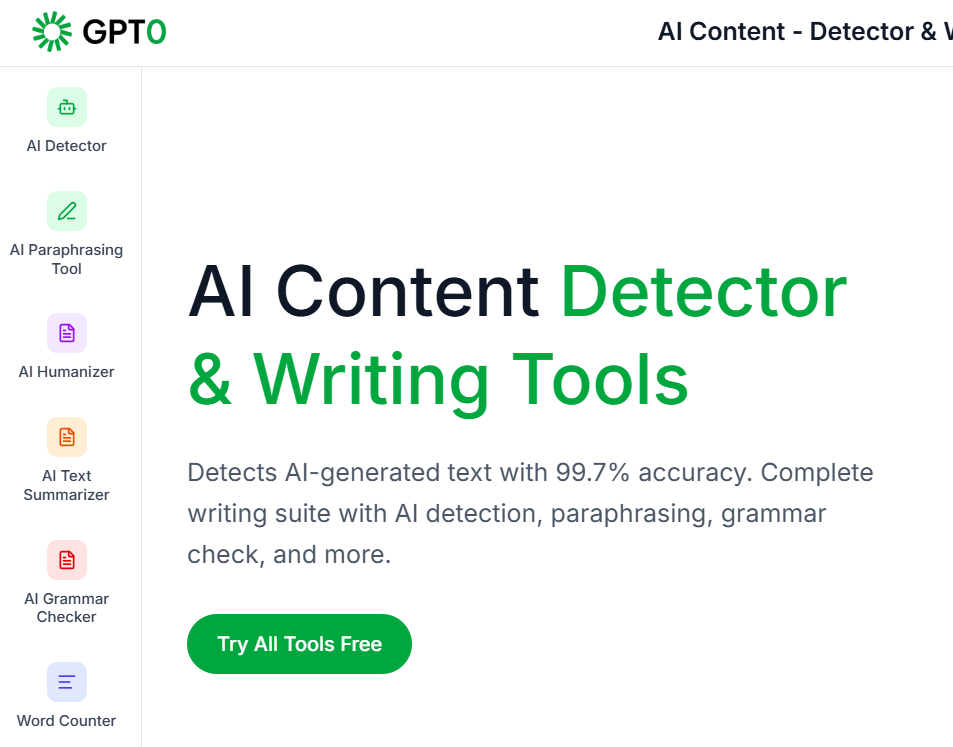
GPT0 is a six-in-one AI writing platform with a 99.7% accurate AI content detector, a humanizer that passes detection tools, a paraphraser, a summarizer, a grammar checker, and a word counter, all accessible for free with no account required. It has served over 500,000 users and maintains a 4.9 out of 5 user rating across platforms.
Most AI detection and writing tools charge monthly fees for even basic access. GPT0 bucks that model entirely, offering its full suite at no cost. Whether you are a student checking your work, a content manager verifying submissions, or a writer looking to polish AI-assisted drafts into natural-sounding prose, GPT0 covers the entire workflow in a single tab.
Best For: Students, academic professionals, content managers, journalists, and anyone who works with AI-generated text and needs to verify or refine it.
The Six Tools Explained
The AI Detector analyzes text for patterns, writing style, and linguistic markers to identify ChatGPT, GPT-4, Claude, Gemini, and other AI-generated content with 99.7% reported accuracy. The AI Humanizer transforms AI-generated text into natural, human-like writing that passes detection tools while preserving the original meaning. The Paraphrasing Tool generates multiple rewrites of any passage while maintaining context. The AI Text Summarizer condenses long documents into short, formatted summaries with adjustable length. The Grammar Checker catches grammar, spelling, punctuation, and style issues in real time. The Word Counter delivers detailed statistics including reading time and character count.
Pricing
GPT0 appears to operate on a fully free model with no paid tiers listed on the platform. All six tools are accessible without creating an account.
Pros
Completely free with no credit card, no account, and no usage limits disclosed
AI detection accuracy of 99.7% is among the highest claimed in the category
Covers the full content workflow from detection to humanization to grammar in one place
No friction to start: paste text and get results immediately
Highly rated by an active user base of 500,000+
Cons
No clear information about data privacy or whether submitted text is stored or used for training
Free-only model raises questions about long-term sustainability and uptime guarantees
The platform does not disclose its methodology for the 99.7% accuracy claim
No API or integrations for teams looking to build the tool into a larger content workflow
5. Gamma: From Blank Slide to Polished Presentation in Under 60 Seconds
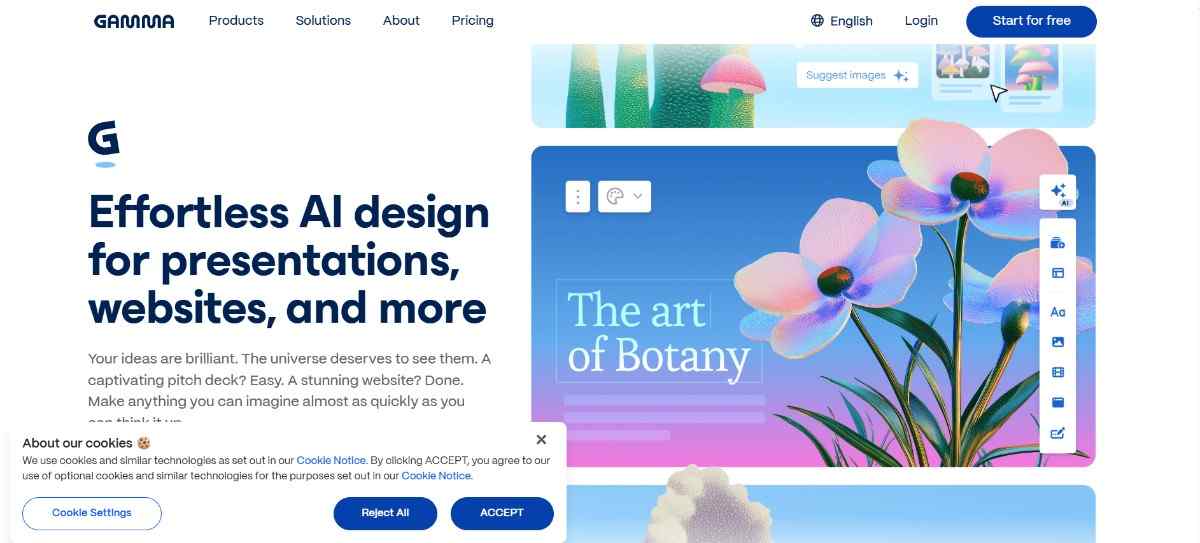
Gamma is an AI-powered presentation, document, and website builder used by over 70 million people, yet it rarely comes up when creators talk about AI tools they love. The free plan includes 400 one-time AI credits, unlimited creations, and real export capabilities, making it the fastest way to go from a prompt or outline to a visually polished deck.
Traditional presentation software requires you to design slide by slide, manage layouts, hunt for images, and spend hours on formatting. Gamma replaces all of that with a single prompt. You type a topic or paste your outline, and the AI generates a complete, structured presentation with text, images, and professional layouts in under 60 seconds. The result is a scrollable, card-based format that works natively on any device.
Best For: Founders, marketers, educators, consultants, and freelancers who need professional-looking presentations fast without hiring a designer.
Why It Is Underrated
With 70 million users and 400 million presentations created, Gamma is not small. What makes it underrated is how few people outside design and startup communities know it exists. Alternatives like PowerPoint and Google Slides still dominate corporate workflows despite being objectively slower for first-draft creation.
Gamma 3.0 introduced the Gamma Agent, an AI design partner that can research topics online, restyle entire presentations, write and refine content, and execute complex edits through natural language commands. You can tell it "make this more formal" or "add a competitor analysis section" and it applies changes across the entire deck. The platform achieved SOC 2 Type II certification in October 2025, making it a credible option for teams with compliance requirements.
Pricing
Plan | Monthly Price | Annual Price | Key Features |
|---|---|---|---|
Free | $0 | $0 | 400 AI credits (one-time), unlimited creations, basic exports |
Plus | $10/user/month | $8/user/month | Unlimited AI creation, remove Gamma badge, 50,000 token inputs |
Pro | $20/user/month | $15/user/month | Premium AI images, custom domains, analytics, password protection |
Pros
Generates a complete presentation from a text prompt in under 60 seconds
Free plan is genuinely functional, not just a teaser
Gamma Agent (3.0) handles complex edits through natural language across the whole deck
Exports to PDF, PowerPoint, PNG, and Google Slides on all plans including free
SOC 2 Type II certified, GDPR and CCPA compliant
Cons
Free plan credits are a one-time allocation, not a monthly reset
Exporting to PowerPoint or Google Slides can produce formatting issues due to the card-based layout
AI-generated designs can look similar across projects without careful prompting
No offline editing on any plan
6. Otter.ai: Turn Every Meeting Into a Searchable, Shareable Document
Otter.ai automatically records, transcribes, and summarizes meetings in real time, integrating directly with Zoom, Google Meet, and Microsoft Teams, all on a free plan that includes 300 minutes per month. It is the most underused productivity tool in remote and hybrid workplaces, largely because people assume good transcription costs serious money.
Every meeting that ends without a clear written record costs teams time and clarity. Otter.ai solves that with OtterPilot, an AI meeting assistant that joins calls on your behalf, captures every word, identifies individual speakers, and delivers a searchable, shareable summary without anyone needing to take manual notes.
Best For: Remote teams, executives, students, journalists, researchers, and anyone who attends more than a handful of meetings per week and wants to stop losing information.
Key Features
Speaker identification labels each part of the transcript by name, making it easy to attribute decisions and action items. The Otter AI Chat lets you ask questions about the meeting in real time, essentially turning the transcript into an interactive document. Shared workspaces let teams collaborate on notes, add highlights, and assign action items. The free plan supports transcription in English, French, and Spanish.
One important limitation: each conversation on the free plan is capped at 30 minutes. Meetings longer than that require a Pro plan upgrade.
Pricing
Plan | Monthly Price | Annual Price | Minutes/Month | Minutes/Conversation |
|---|---|---|---|---|
Basic (Free) | $0 | $0 | 300 | 30 |
Pro | $16.99/user | $8.33/user | 1,200 | 90 |
Business | $30/user | $20/user | 6,000 | 4 hours |
Enterprise | Custom | Custom | Unlimited | Custom |
Pros
Joins Zoom, Google Meet, and Teams automatically without manual setup
Speaker identification works without pre-labeling or voice samples
Free plan includes real collaboration features like Otter AI Chat
Searchable transcripts mean you can find any meeting moment by keyword
Available on web, iOS, and Android with a polished interface
Cons
Free plan caps conversations at 30 minutes, making it impractical for longer meetings
Only 3 audio/video file imports allowed on the free plan (lifetime, not monthly)
Language support is limited to English, French, and Spanish across all paid plans
Pro plan reduced its monthly minute allocation from 6,000 to 1,200 without a price drop, drawing user criticism
Enterprise-only access to sales intelligence features like OtterPilot for Sales
7. Elicit.org: A Research Assistant That Searches 138 Million Papers
Elicit is an AI research assistant that searches over 138 million academic papers, extracts structured data, generates cited summaries, and automates systematic literature reviews, with a free plan that includes unlimited paper search and 2 automated reports per month. Researchers using Elicit report up to 80% time savings on tasks that previously took weeks.
Most people use Google Scholar or ChatGPT for research. Neither is built for the depth Elicit handles. Google Scholar returns links; Elicit returns synthesized answers with sentence-level citations from the actual source papers. ChatGPT generates plausible-sounding content without guaranteeing what is behind it. Elicit is built from the ground up to never claim more than its sources support.
Best For: Graduate students, academic researchers, independent researchers, clinicians, policy analysts, and evidence-based content creators who need verifiable, citation-backed research outputs.
What Makes It Powerful
Elicit uses semantic search, meaning you can describe your research question in plain language without knowing the exact keywords that appear in the papers. It finds relevant studies anyway. Once it surfaces papers, you can ask it to extract specific data points (sample size, methodology, outcomes) from hundreds of PDFs simultaneously, organizing everything into a clean, filterable table. Every extracted claim links back to the exact sentence in the source document.
The free Basic plan supports unlimited paper search and chat with up to 4 papers at once, plus 20 data extractions per month. It covers casual research needs without requiring a paid upgrade. For systematic reviews or larger extraction workflows, Plus ($12/month) or Pro ($49/month) unlock substantially more capacity.
Pricing
Plan | Monthly Price | Annual Price | Reports/Month | Extractions |
|---|---|---|---|---|
Basic (Free) | $0 | $0 | 2 automated reports | 20/month |
Plus | $12/month | $120/year (48 reports upfront) | 4 reports | 600/year |
Pro | $49/month | $499/year (144 reports upfront) | 12 reports/reviews | Unlimited high-accuracy |
Team | $79/seat/month | $780/seat/year (min. 2 seats) | 20/month pooled | Unlimited |
Pros
138 million papers with semantic search that does not require keyword precision
Sentence-level citations on every AI-generated claim make verification straightforward
Free plan is genuinely useful for students and casual researchers, not just a demo
Reduces systematic review time by up to 80% according to user-reported data
Integrates with Zotero, Mendeley, and EndNote via CSV/BIB/RIS export
Cons
Collaboration features are limited to the Team plan; solo researchers cannot share notebooks with others
No direct third-party integrations or open API as of early 2026
The 30-minute learning curve can feel steep for researchers unfamiliar with systematic review workflows
Free plan caps data extractions at 20 per month, which fills quickly in active projects
Database may lag behind very recent publications by several weeks
8. Scribe: Turn Any Workflow Into a Step-by-Step Guide Automatically
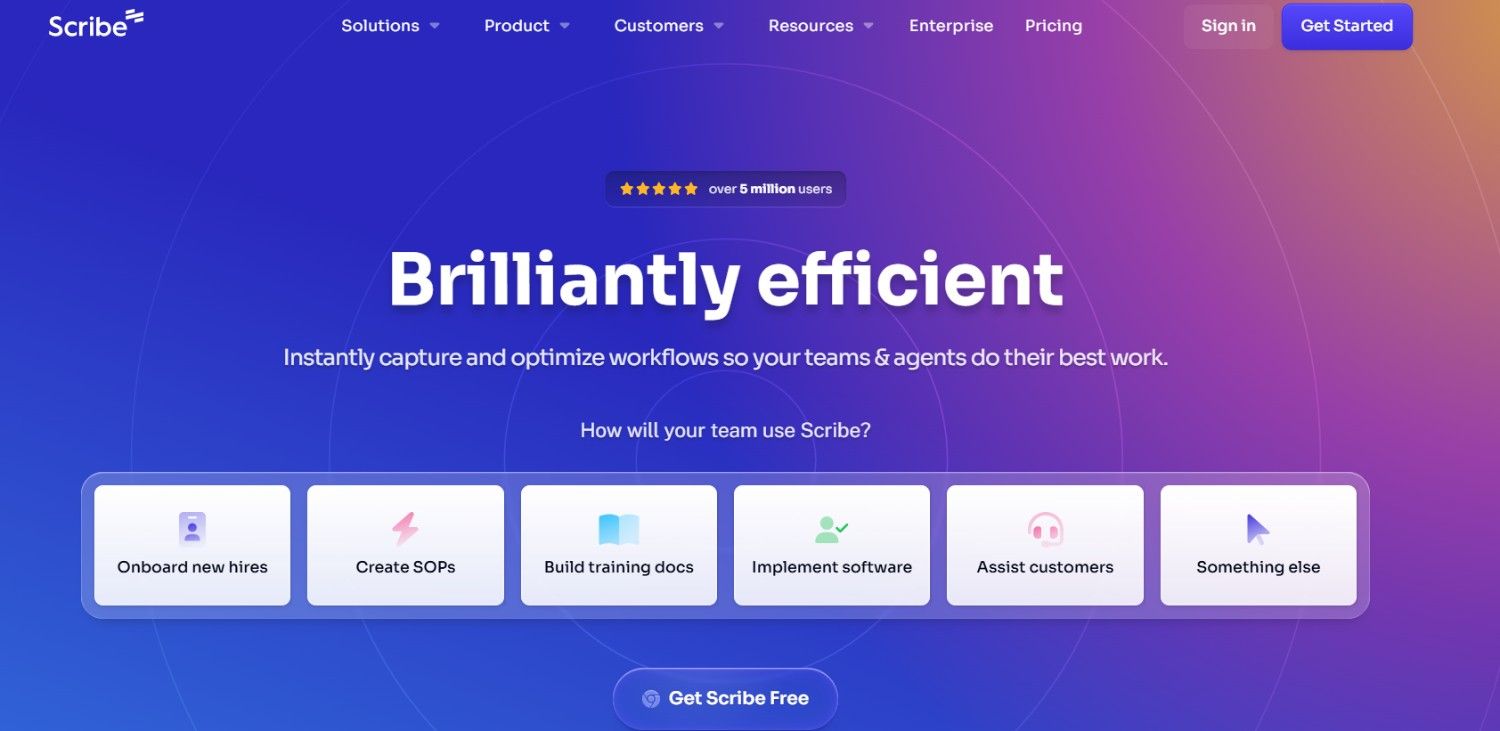
Scribe watches you work and automatically generates a polished, annotated step-by-step guide from whatever you just did, complete with screenshots at every click, in the time it takes to complete the task once. The free plan supports unlimited guide creation for web-based workflows and requires no technical knowledge to use.
Documenting processes manually is one of the highest-friction tasks in any organization. Writing SOPs, training manuals, onboarding guides, and customer tutorials typically takes 10 to 20 minutes per guide when done with screenshots and manual write-ups. Scribe does the same job in the time it takes to perform the task itself by capturing clicks, keystrokes, and screen states in real time.
Best For: Operations managers, team leads, HR professionals, customer success teams, freelancers who onboard clients regularly, and any organization building internal knowledge bases or training programs.
How It Works
Install the Scribe browser extension. Perform the task you want to document. Stop recording. Scribe produces a complete guide with annotated screenshots at every step, AI-generated step descriptions, and a shareable link. You can then add additional context, blur sensitive information, insert tips, and customize the layout before sharing via link, PDF export, or embedded in tools like Confluence, Notion, or SharePoint.
Scribe has been used by service desk teams, customer success organizations, and HR departments to standardize SOPs and accelerate new hire onboarding. Users consistently report saving 10 to 20 minutes per guide compared to manual documentation. The free Basic plan covers web app capture with unlimited guides, which is enough for many freelancers and small teams.
Pricing
Plan | Monthly Price | Annual Price | Key Unlocks |
|---|---|---|---|
Basic (Free) | $0 | $0 | Web capture, unlimited guides, shareable links |
Pro Personal | $29/month | ~$23/month | Desktop capture, PDF/HTML/Markdown exports, screenshot editing |
Pro Team | $65/month base (5 seats) | ~$12/seat/month | Collaboration, shared workspaces, custom branding |
Enterprise | Custom | Custom | SSO, compliance, multi-team governance, custom integrations |
Pros
Captures documentation in real time with zero manual screenshot effort
Free plan supports unlimited guides for web workflows, not just a trial
AI-generated step descriptions are accurate and require minimal editing
Integrates with Confluence, Notion, Jira, SharePoint, and 360Learning
PII and PHI redaction available to protect sensitive data before sharing
Cons
Free plan is limited to web browser capture; desktop app workflows require a paid plan
PDF and HTML exports are locked behind Pro Personal ($23/month)
Pro Team requires a 5-seat minimum, making it expensive for small teams of 2 or 3
AI-generated descriptions can occasionally lack context and need manual input to add intent
No mobile app; all capture and editing happens in the browser or desktop app
9. Consensus: Get the Scientific Consensus on Any Question in Seconds
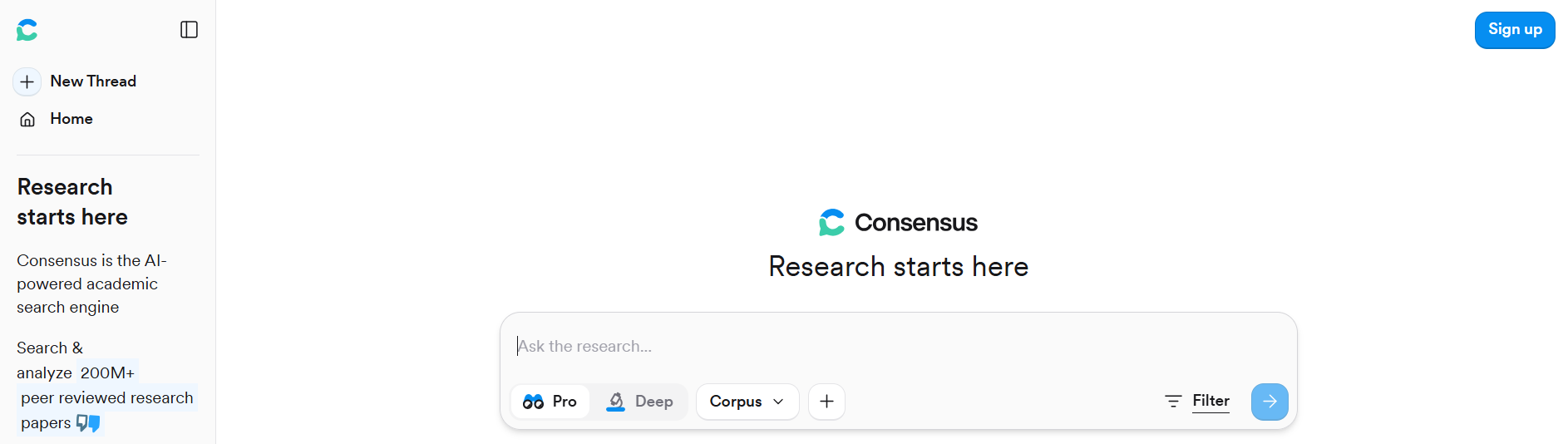
Consensus is an AI-powered academic search engine that searches over 200 million peer-reviewed papers and delivers a synthesized, citation-backed answer to your research question, complete with a Consensus Meter that shows how much scientific agreement exists on the topic. The free plan includes 10 Pro Analyses and 10 Study Snapshots per month with no credit card required.
When you search health, nutrition, psychology, or policy questions online, you typically land on blog posts written to rank in Google, not to be accurate. Consensus cuts through that by going directly to peer-reviewed science. Ask it any research question in plain language and it returns what thousands of published studies actually say, with the citations to back it up.
Best For: Students, researchers, clinicians, healthcare professionals, educators, journalists, policy makers, and anyone who wants science-backed answers without reading dozens of PDFs.
The Consensus Meter
The platform's most distinctive feature is the Consensus Meter, which appears when you ask a yes/no or relationship-based question. It analyzes the top relevant studies and displays what percentage of the literature supports, opposes, or is neutral on the claim. This makes it uniquely useful for evaluating contested health or policy topics where individual studies conflict but overall scientific weight leans clearly in one direction.
Consensus also supports the Ask Paper feature, which lets you interact directly with full-text PDFs, as well as advanced filters for publication date, study design, journal, and sample size. The database is indexed monthly and covers disciplines from medicine and psychology to climate science and economics.
Pricing
Plan | Monthly Price | Annual Price | Key Features |
|---|---|---|---|
Free | $0 | $0 | 10 Pro Analyses + 10 Study Snapshots/month, 200M+ papers |
Premium | $8.99/month | $108/year | Unlimited Pro Analyses and Study Snapshots |
Pro | $15/month | $120/year | Everything in Premium plus 15 Deep Searches/month |
Pros
Consensus Meter is a genuinely novel feature that no other tool replicates at this quality
200 million+ peer-reviewed papers with monthly database updates
Every claim links to the source paper, making verification straightforward
Multilingual query support for non-English research questions
LibKey integration lets university users access paywalled articles through institutional subscriptions
Extremely affordable compared to academic database subscriptions
Cons
Recent publications may not appear immediately due to monthly indexing cycles
Works best for yes/no or relationship-based questions; open-ended or highly quantitative questions produce weaker results
No real-time collaboration or team workspaces on any tier
Deep Search, the most thorough AI analysis, is limited to 15 uses per month even on the Pro plan
Database coverage varies by discipline; niche or emerging fields may have thinner coverage
How to Choose the Right Tool for Your Needs
Not every tool on this list is right for every person. Here is a fast decision guide:
If you create written content or need a full-featured AI writing assistant, start with LogicBalls. The 5,000+ apps and hallucination-free approach make it the most versatile free option for content and business use.
If you are actively building AEO or GEO visibility and cannot afford to lose the backlinks powering your AI search citations, LynkDog monitors your entire link portfolio around the clock and alerts you the moment something breaks, before it costs you citations in ChatGPT or Perplexity.
If you produce video, podcast, or course content that needs professional narration, Kveeky gives you 600+ voices and emotion controls at a price point that undercuts every recording studio.
If you regularly work with AI-generated text and need to check or refine it, GPT0 gives you six detection and writing tools for free with no setup.
If you give presentations, run client proposals, or create decks regularly, Gamma eliminates the blank slide problem and gets you to a polished first draft in under 60 seconds.
If you spend too much of your week in meetings and lose track of decisions and action items, Otter.ai turns every call into a searchable, shareable document automatically.
If you are a researcher, student, or evidence-based writer, Elicit searches 138 million papers and extracts structured data so your literature review takes hours instead of weeks.
If your team struggles with knowledge transfer, onboarding, or process documentation, Scribe captures your workflow once and produces a finished guide automatically.
If you need the scientific consensus on a health, policy, or academic question, Consensus searches 200 million papers and shows you exactly where the science lands.
Frequently Asked Questions
Are these AI tools actually free or just free trials?
All nine tools on this list offer a permanent free tier, not a time-limited trial. LogicBalls, GPT0, Elicit, and Consensus offer free plans that reset monthly. Snapcorn, Kveeky, and Otter.ai reset monthly credits on free accounts. Gamma's free plan includes one-time credits that do not replenish but allow unlimited creations within that credit budget. Scribe's free plan has no expiry and covers unlimited web-based guides.
Which tool is best for a solo content creator?
Kveeky for voiceovers, Gamma for presentations, and GPT0 for writing and detection cover most solo creator needs without a paid plan. LogicBalls adds the widest range of content tools if you want a single platform.
Can I use these tools for commercial projects on free plans?
Most of these tools allow commercial use on free plans, but terms vary by platform. Gamma adds a "Made with Gamma" badge on free exports. Kveeky standard voices are available on the free plan for commercial use. Always review each platform's terms of service before publishing commercially.
Which tools are best for academic research?
Elicit and Consensus are purpose-built for academic research. Elicit handles systematic literature reviews across 138 million papers with data extraction and full citation trails. Consensus delivers fast, meter-visualized scientific consensus on specific questions across 200 million papers. Using both in combination covers most research workflows.
Do any of these tools require a credit card to start?
No. All nine tools listed here can be accessed on free plans without providing payment details.
Final Word
The AI tools that get the most attention are usually the ones with the biggest marketing budgets, not the ones that solve the most specific problems well. Every tool on this list has been quietly building a real user base because it does something genuinely useful, often for free.
The smartest move is to match each tool to the exact gap in your current workflow. One or two of these will save you hours every week. The rest are worth knowing about the next time you hit a wall that your current toolkit cannot solve.
Start with whichever problem costs you the most time right now, and go from there.



