
6 Best Automation Tools to Simplify Your Digital Life (2026)


The best automation tools in 2026 handle your phone calls, protect your AI search visibility, manage your calendar, process your documents, and connect your entire app stack without you lifting a finger. This guide covers six tools our team at Snapcorn has tested or recommended to creators, marketers, and business owners who want to reclaim their time and work smarter.
Running a creative business means juggling image editing, client communication, social posts, documents, meetings, and marketing simultaneously. The right automation tools silently handle the repetitive work so you can focus on the creative and strategic decisions only you can make.
Every tool on this list offers a free plan. Every one of them earns its place through genuine, measurable time savings.
6 Best Automation Tools Compared
Tool | Category | Free Plan | Paid Starts At | Best For |
|---|---|---|---|---|
AEO + GEO Visibility Automation | 14-day free trial | $39/month (annual) | Getting cited in ChatGPT, Perplexity, and Google AI Overviews | |
Voksha | AI Phone Receptionist | Free signup, live demo | $49/month | Answering calls 24/7, booking appointments, lead capture |
AI PDF + Document Automation | 5 uploads, 100 questions/month | $10/month (annual) | AI-powered PDF editing, conversion, and chat | |
Reclaim ai | AI Calendar + Time Automation | Free forever (Lite plan) | $8/user/month (annual) | Auto-scheduling tasks, habits, and focus time |
Make | Visual Workflow Automation | 1,000 credits/month, 2 scenarios | $9/month (annual) | Building complex multi-app automations visually |
Zapier | App Integration Automation | 100 tasks/month, unlimited Zaps | $19.99/month (annual) | Connecting 8,000+ apps with no-code trigger-action workflows |
1. GrackerAI: Automate Your Way Into AI Search Results
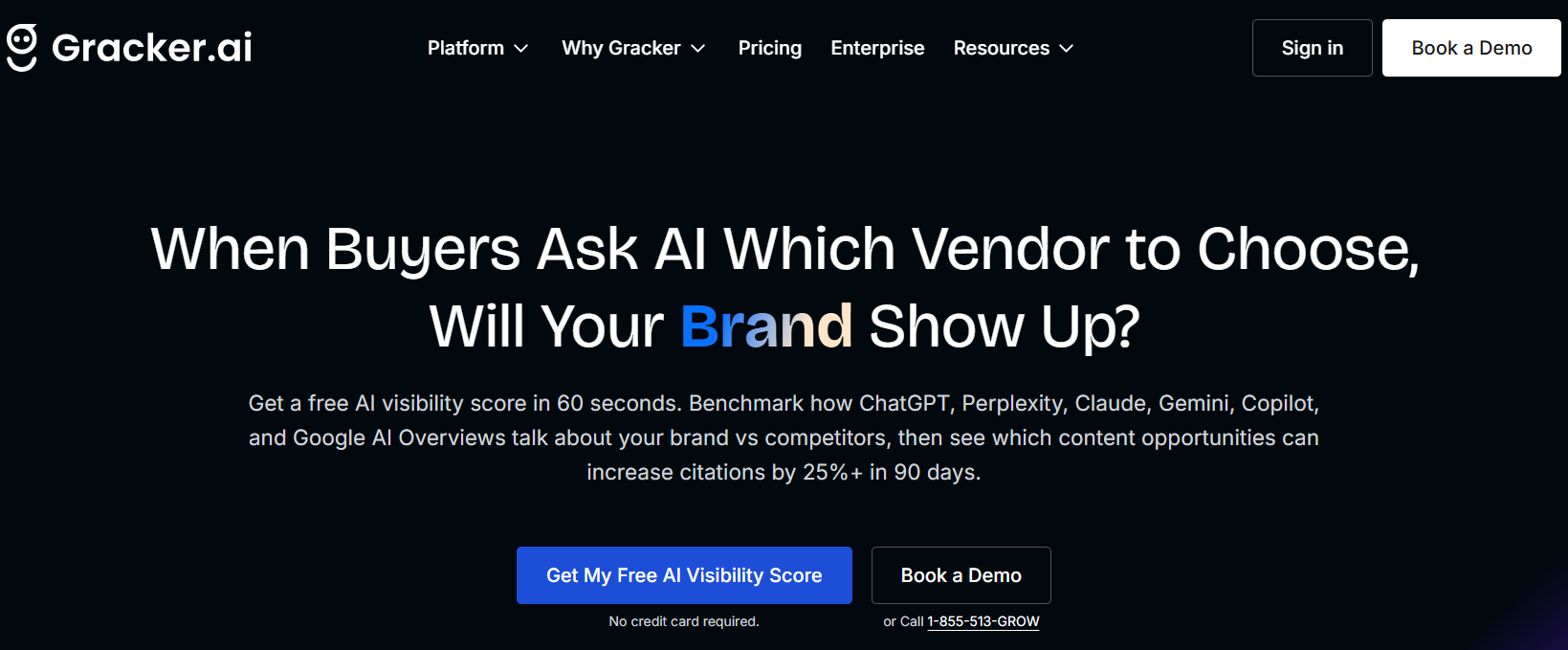
GrackerAI monitors how ChatGPT, Perplexity, Claude, Gemini, and Google AI Overviews talk about your brand versus your competitors, then automatically generates the content needed to increase your citations. It is the only automation platform built specifically for AEO (Answer Engine Optimization) and GEO (Generative Engine Optimization), and it replaces the equivalent of a full-time content marketer for B2B teams that need AI search visibility.
If you are building a brand online in 2026, your buyers are increasingly finding vendors through AI chatbots rather than traditional search. GrackerAI solves the visibility problem that most marketing teams do not even know they have yet.
Best For: B2B SaaS companies, cybersecurity brands, digital agencies, startup founders, and marketers who want AI engines like ChatGPT and Perplexity to recommend them when buyers ask category questions.
What GrackerAI Automates
GrackerAI runs daily monitoring queries across up to nine AI engines simultaneously, tracking where your brand appears, where competitors appear instead, and what content gaps are costing you citations. Rather than producing a report and leaving you to figure out the next step, it automatically generates three types of citation-optimized content: authoritative thought leadership articles, "Top X" listicles that AI engines pull from when answering category queries, and comparison pages targeting high-intent buyers.
The platform's AI visibility score gives you a percentage showing how frequently your brand appears in AI-generated answers for tracked queries. Customers report average visibility increases of 25% within 90 days, and inbound lead volume increases of 20 to 35% from AI-referred traffic. GrackerAI is trusted by teams at Gopher Security, SSOJet, MojoAuth, and others competing in crowded B2B categories.
The Snapcorn connection: GrackerAI can automatically generate and publish listicles featuring image-related tools and workflows, including Snapcorn, helping image-focused brands get cited in AI answers to queries like "best background removal tools" or "how to enhance product photos with AI."
Pricing
Plan | Monthly Price | Annual Price | AI Engines | Queries Tracked | Articles/Month |
|---|---|---|---|---|---|
Starter | $49/month | $39/month | 5 | 50 | 3 |
Growth | $149/month | $119/month | 7 | 150 | 10 |
Pro | $349/month | $279/month | 9 (all) | 400 | 25 |
Enterprise | Custom | Custom | 9 + custom | 1,000+ | Unlimited |
All plans include a 14-day free trial. No credit card required to start.
Pros
Monitors all major AI engines including ChatGPT, Perplexity, Claude, Gemini, Copilot, Google AI Overviews, DeepSeek, Meta Llama, and Grok
Content creation runs on autopilot, no content marketer required
Competitor visibility benchmarking shows exactly where you are losing AI citations
Results appear within 4 to 6 weeks, faster than traditional SEO
Agency and white-label partner program for resellers
25% average AI visibility increase in 90 days based on customer data
Cons
Starter plan covers only 5 AI engines; reaching full coverage requires the Pro plan
Deep research and systematic review workflows are reserved for higher tiers
Pricing reflects a B2B SaaS audience; solo creators with limited budgets may find the entry point steep
Enterprise and API features require contacting sales
Website: gracker.ai
2. Voksha: Your AI Receptionist That Never Misses a Call
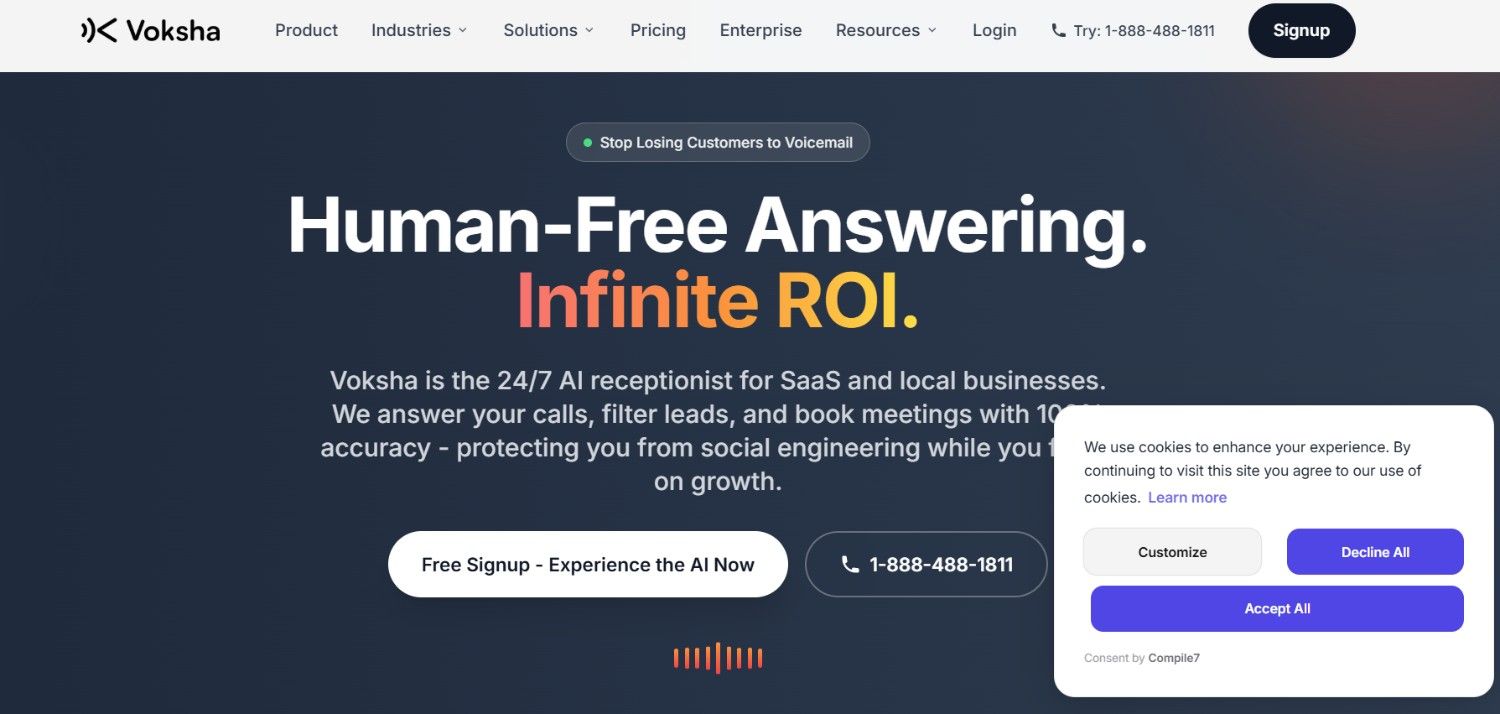
Voksha answers every phone call your business receives, 24 hours a day, 7 days a week, in under 200 milliseconds, books appointments into your calendar, captures lead information, and is 100% immune to social engineering, all starting at $49 per month. It is the closest thing to hiring a full-time receptionist without the salary, benefits, sick days, or training time.
The math is unambiguous: a human receptionist costs $2,500 to $4,000 per month. Voksha starts at $49. It handles calls at night, on weekends, and during every holiday. It never puts someone on hold because it is on another call. And it books directly into your existing calendar.
Best For: Solo practitioners, law firms, medical clinics, salons, restaurants, real estate agents, HVAC companies, home service businesses, and any SaaS or Fintech team that loses leads to unanswered phones.
What Voksha Automates
Voksha integrates with your existing phone number so there is no disruption to your current setup. When a caller reaches Voksha, they have a natural conversation with an AI that has been pre-trained on your industry's specific scripts, compliance requirements, and workflows. The AI checks your live calendar, offers available slots, confirms bookings, and sends a structured summary to you via email.
The Missed Call Recovery feature is particularly valuable. When a call goes unanswered and the caller hangs up before leaving a message, Voksha calls them back within 90 seconds before they have the chance to call your competitor. The platform integrates with Salesforce, HubSpot, Clio, Google Calendar, Slack, Zendesk, QuickBooks, ServiceTitan, and Toast, among others.
Voksha is currently trusted by 100+ businesses including SaaS companies, law firms, and medical clinics. It processes over 10,000 calls with 99.9% uptime. Manish Jain, VP of Marketing at Voksha, has described GrackerAI (also on this list) as an essential partner for AI search visibility, illustrating how these tools complement each other in a modern digital stack.
Pricing
Plan | Price | Minutes Included | Overage | Best For |
|---|---|---|---|---|
Pro | $49/month | 10 minutes | $1/minute | Solo practitioners, small businesses |
Premium | $99/month | 150 minutes | 65% savings vs Pro overage | Growing businesses with high call volume |
Enterprise | $899+/month | Unlimited | No overage fees | Multi-location, high-volume operations |
No credit card required. No contracts. Cancel anytime. 7-day money-back guarantee on paid plans.
Call the live AI now to experience it: 1-888-488-1811
Pros
Sub-200ms response time eliminates the awkward silences callers notice with slower AI tools
100% immune to social engineering and confidential information leakage
HIPAA-compliant, making it viable for medical and legal use cases
Misses no calls including nights, weekends, and holidays
Missed Call Recovery reaches back to callers within 90 seconds
Pre-trained on 27+ industry-specific scripts including law, dental, real estate, and HVAC
No contracts and a 7-day money-back guarantee reduce commitment risk
Cons
Pro plan includes only 10 minutes of calls, with overage at $1/minute, which adds up quickly for businesses with moderate call volume
Premium plan at $99/month supports only English plus one additional language
Unlimited minutes require the $899/month Enterprise tier
Multi-language support beyond two languages is exclusively an Enterprise feature
API access is not listed on the standard pricing tiers
3. PDF7.app: 40+ PDF Tools Plus an AI That Reads Your Documents for You
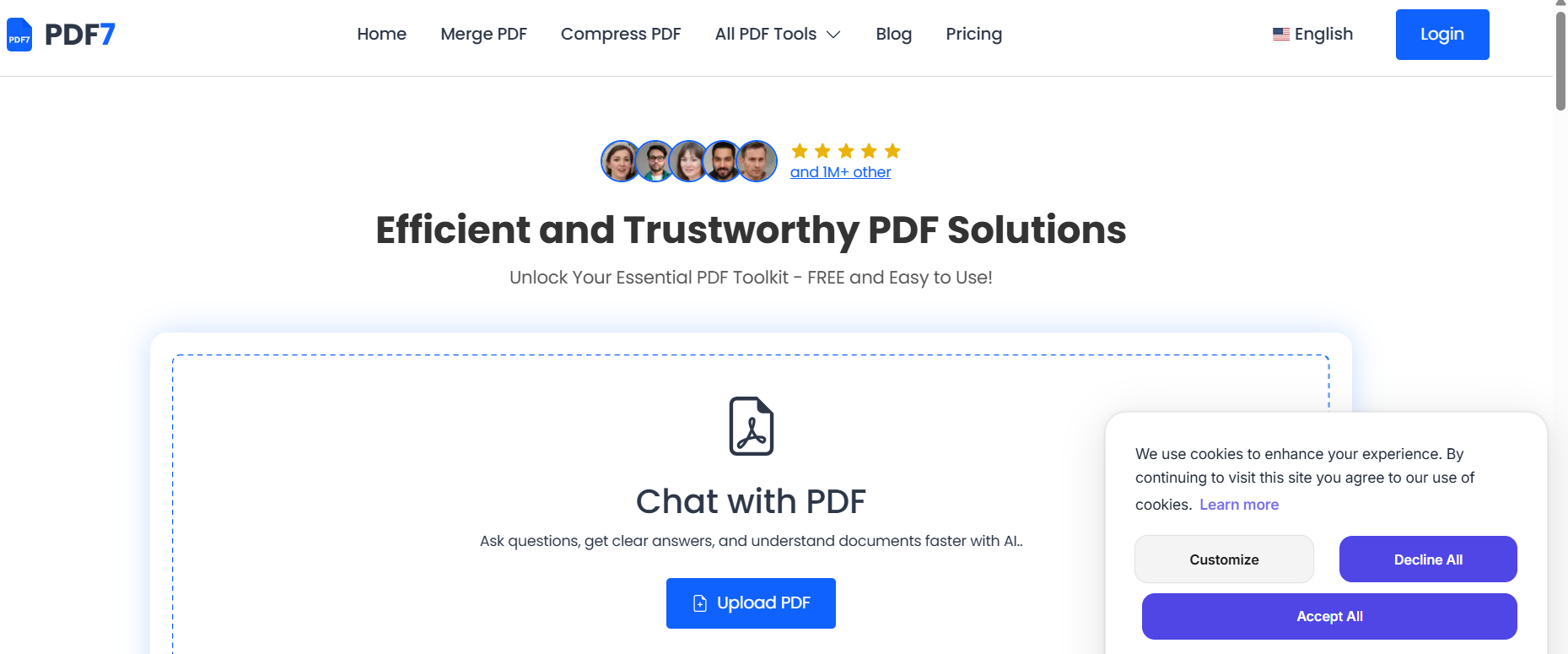
PDF7 gives you over 40 free PDF tools, from merging and compressing to Word conversion and password protection, plus an AI chat layer that lets you ask questions about any PDF and get clear, accurate answers in seconds. With 1 million users, 30 million PDF operations completed, and zero files stored on its servers, it is the most comprehensive and privacy-respecting free PDF platform available.
Most people use PDF tools reactively: a document arrives, it needs to be converted or compressed, they search Google for a free tool, and they end up on a sketchy website with banner ads and file size limits. PDF7 ends that cycle with a permanent, clean, organized toolkit that handles every PDF task in one place.
Best For: Freelancers, designers, students, legal professionals, remote teams, and anyone who regularly works with PDF documents and wants to stop paying for Adobe Acrobat or dealing with file-by-file converters.
What PDF7 Automates
The standout feature is Chat with PDF, an AI layer that lets you upload any document and ask questions about its contents in plain language. Instead of reading a 40-page contract to find the termination clause, you ask "what are the termination conditions?" and get the answer in seconds.
Beyond AI chat, the toolkit covers the full document workflow: merge multiple PDFs into one, compress for email delivery, rotate pages, remove or extract specific pages, convert to and from Word, PowerPoint, Excel, JPG, PNG, and more. The Paraphrasing, Summarizer, and Grammar Checker tools extend PDF7's utility beyond document management into writing assistance.
For Snapcorn users specifically, PDF7 handles the document side of creative projects: converting client briefs from Word to PDF, compressing large image-heavy portfolios for email delivery, extracting image pages from PDFs, and summarizing lengthy client feedback documents.
Pricing
Plan | Price | PDF Uploads | Questions/Month | Pages/Doc | AI Models |
|---|---|---|---|---|---|
Free | $0 | 5 uploads | 100 | 50 | Basic |
Pro | $10/month (billed yearly) | 100 uploads | 1,000 | 200 | Basic |
Premium | $20/month (billed yearly) | Unlimited | Unlimited | 500 | Advanced |
Zero files stored on server. Privacy is built in at every tier.
Pros
40+ tools in one place eliminates the need for multiple free converters
Zero file storage means documents are never retained after processing
AI Chat with PDF handles question-answering across any document type
Free plan is genuinely functional for light-to-moderate individual use
Writing tools (paraphrasing, summarizing, grammar) are included at no cost
1 million users and 30 million operations validate reliability at scale
No account required for most basic tool operations
Cons
Free plan limits uploads to 5 per period and questions to 100 per month
Advanced AI models (for better accuracy on complex documents) require the Premium plan
Maximum document size of 50 pages on the free tier limits use with longer contracts or reports
No dedicated mobile app; all tools are browser-based
Pricing page lists Pro at $10/month and Premium at $20/month, but Pro appears positioned oddly below Premium in the listed order (verify current plan order before purchasing)
4. Reclaim.ai: The AI That Protects Your Time by Managing Your Calendar
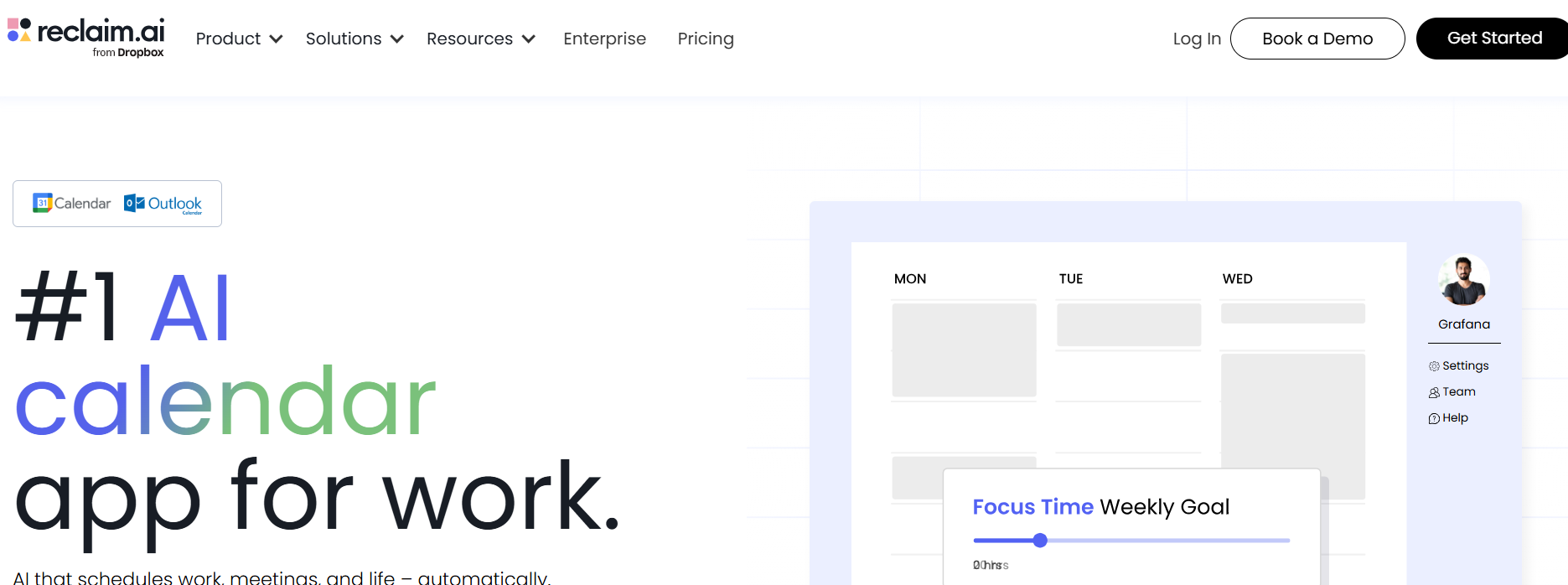
Reclaim.ai sits on top of your existing Google Calendar or Outlook and automatically schedules your tasks, defends focus time blocks, and adjusts your entire calendar in real time as priorities change, creating up to 40% more usable work time per week without any manual rescheduling. The free forever Lite plan is available with no credit card and no expiry date.
Calendar chaos is one of the most expensive hidden costs in any creative or professional workflow. Back-to-back meetings consume the focus time needed for actual work, recurring tasks get pushed indefinitely, and the effort of manually rebuilding your schedule after a disruption is invisible but constant. Reclaim eliminates all of that.
Best For: Freelancers, designers, marketers, remote workers, startup founders, and any professional using Google Calendar or Outlook who wants their calendar to reflect priorities, not just availability.
What Reclaim Automates
Reclaim introduces the concept of "habits" in your calendar: recurring time blocks that the AI defends and repositions automatically around meetings and urgent tasks. You create a habit for deep work, exercise, client review, or any recurring activity, and Reclaim finds the optimal slot every day while protecting it from being scheduled over. When a meeting lands in a previously protected slot, Reclaim moves the habit to the next best available time automatically.
The Smart Meeting feature optimizes meeting times across all attendees' calendars, while Scheduling Links let you share your availability without the email back-and-forth. Reclaim integrates with Asana, Todoist, Linear, ClickUp, Jira, Google Tasks, Slack, Zoom, and Microsoft Teams. Buffer Time automatically adds travel or transition time around meetings and detects meeting locations to calculate appropriate buffer durations.
As of August 2025, Reclaim added full Microsoft Outlook support, making it viable for Microsoft-centric workplaces for the first time. Shopify and Calendly are among the larger organizations that use Reclaim to automate scheduling across distributed teams.
Pricing
Plan | Price | Calendars | Habits | Scheduling Links | Users |
|---|---|---|---|---|---|
Lite (Free) | $0 | 2 | 3 | 1 | 1 |
Starter | $8/user/month (annual) | Unlimited | Unlimited | 3 | Up to 10 |
Business | $12/user/month (annual) | Unlimited | Unlimited | Unlimited | Up to 10 |
Enterprise | $18/user/month (annual) | Unlimited | Unlimited | Unlimited | Unlimited |
Free Lite plan is permanent, not a time-limited trial. No credit card required.
Pros
Free plan is genuine and permanent, not a trial masquerading as a free tier
Auto-reschedules habits and tasks when meetings conflict, without manual intervention
Full Microsoft Outlook support launched August 2025 extends reach beyond Google Calendar users
SOC 2 Type II certified with end-to-end encryption
Integrates with every major task management tool including Asana, Todoist, Linear, and ClickUp
Helps users reclaim 40% more productive time per week according to platform data
Trusted by 500,000+ users and companies including Shopify
Cons
Free Lite plan limits habits to 3 and scheduling links to 1, which fills up quickly for active users
No dedicated iOS or Android app as of early 2026; mobile access is through a browser-optimized web app
Smart meeting and task integrations require at least the Starter plan to unlock full capability
iCloud Calendar support is not natively available; a workaround exists but is cumbersome
Per-user pricing at Business tier ($12/seat) can become costly for larger teams
Does not manage email or inbox, so it solves calendar chaos but not inbox chaos
5. Make.com: Build Any Automation You Can Imagine Without Writing Code
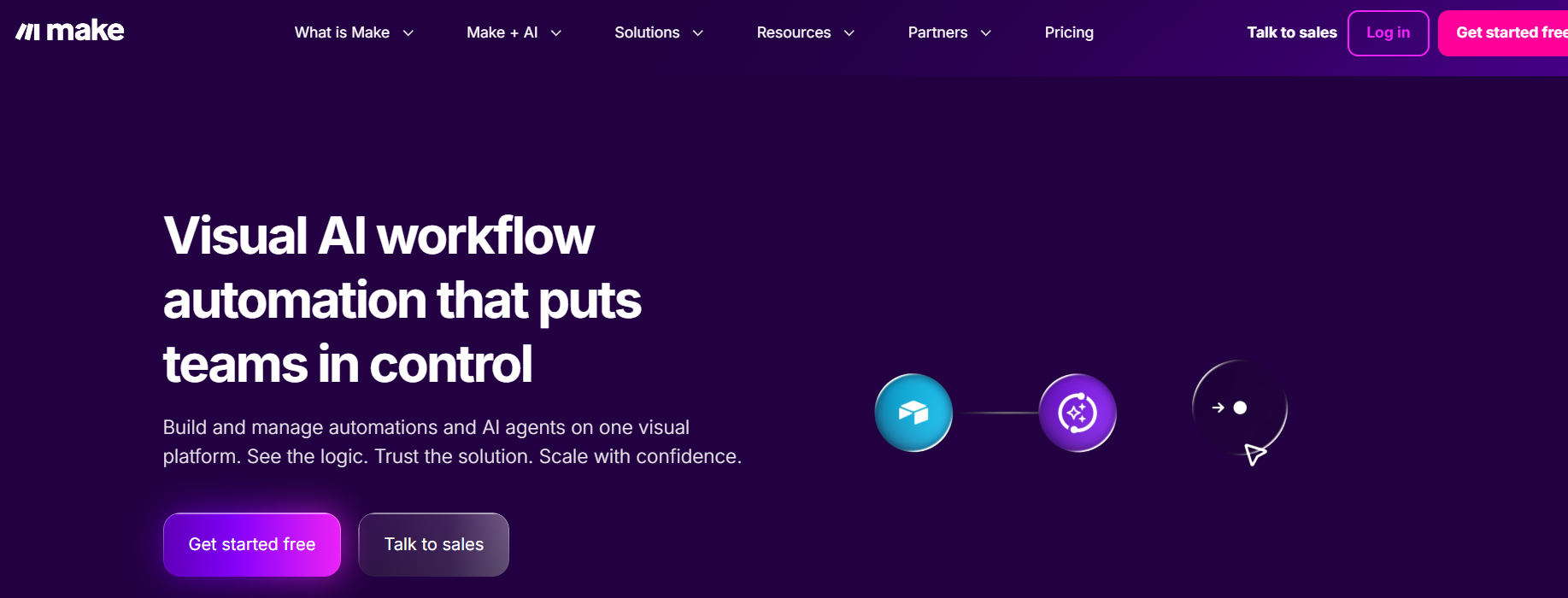
Make (formerly Integromat) is a visual workflow automation platform that connects 3,000+ apps through a drag-and-drop canvas, handles complex multi-step logic, branching, filters, and data transformation, and runs on a free plan of 1,000 credits per month with no time expiry. At $9 per month for the Core plan, it provides 10,000 operations at roughly 70% less cost than Zapier for comparable automation volume.
The difference between Make and simpler automation tools is that you can see your data flowing between nodes on screen, add conditional logic, handle errors, run loops, and build scenarios with 40+ steps that would be impossible in more basic tools. It is the automation platform for people who have outgrown simple "if this then that" automations.
Best For: Freelancers, agencies, SaaS teams, e-commerce businesses, and operations managers who need complex, multi-step automations across their entire app stack at a price significantly lower than Zapier.
What Make Automates
Each Make workflow is called a "scenario." You build scenarios by dragging modules onto a canvas and connecting them, with each module representing one step in the workflow. A scenario might start when a new client fills out a form, then automatically create a project in Asana, add the contact to HubSpot, send a welcome email from Gmail, post a notification in Slack, and create an invoice in QuickBooks, all in sequence, with conditional branches based on the client type.
Make switched from an operations-based model to a credit system in August 2025. For standard (non-AI) automations, 1 module execution equals 1 credit, keeping billing transparent and predictable. As of November 2025, all paid plan users can connect their own AI provider API keys (OpenAI, Anthropic, and others) to build AI-powered workflows without paying for a bundled AI subscription.
Make is SOC 2 Type II certified and GDPR compliant, with data residency options available on Enterprise plans. The community forum has 50,000+ members, making it one of the most active automation communities available.
Pricing
Plan | Monthly Price (Annual) | Credits/Month | Scenarios | Min. Interval |
|---|---|---|---|---|
Free | $0 | 1,000 | 2 active | 15 minutes |
Core | $9/month | 10,000 | Unlimited | 1 minute |
Pro | $16/month | 10,000+ | Unlimited | 1 minute |
Teams | $29/month | 10,000+ | Unlimited | 1 minute |
Enterprise | Custom | Custom | Unlimited | Custom |
Free plan credits do not expire. Additional credit packs can be purchased on any paid plan.
Pros
Visual canvas makes complex multi-step workflows understandable and auditable
$9/month Core plan delivers 10,000 operations at a fraction of Zapier's equivalent cost
3,000+ app integrations cover virtually every tool in a modern digital workflow
All paid plans now support custom AI provider connections (OpenAI, Anthropic, Gemini)
Routers, filters, iterators, and error handlers allow logic that simpler tools cannot replicate
SOC 2 Type II certified and GDPR compliant
50,000+ member community forum provides extensive support and pre-built templates
Unused credits do not expire on the free plan
Cons
Learning curve is steeper than Zapier; expect 2 to 3 hours before feeling comfortable with multi-step scenarios
Free plan limits you to 2 active scenarios simultaneously, which is restrictive for testing multiple workflows
15-minute execution interval on the free plan makes it unsuitable for real-time automations
AI-powered workflows consume credits based on token usage, which can deplete allocations faster than expected
Customer support is primarily community-based on lower tiers; dedicated support requires higher plans
6. Zapier: The Easiest Way to Connect 8,000+ Apps Automatically
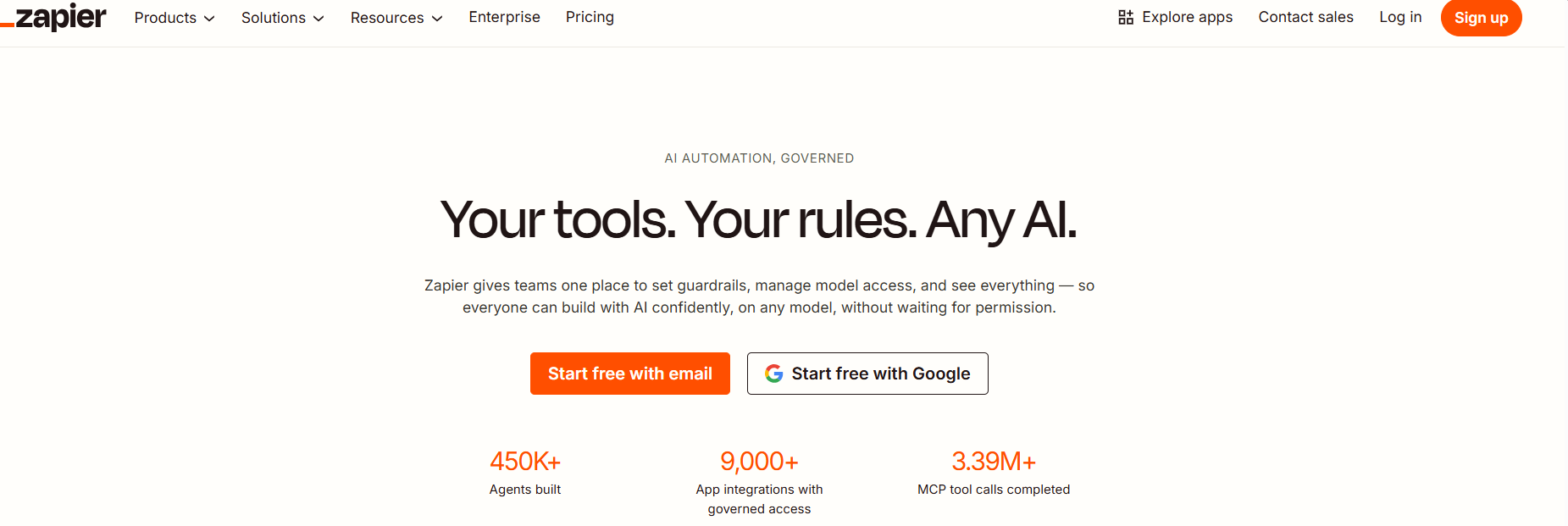
Zapier is the world's largest app integration platform, connecting over 8,000 tools through simple trigger-action workflows called Zaps, with a free plan that includes 100 tasks per month and unlimited Zaps with no coding required. If you want to automate something between two apps and it takes more than ten minutes to figure out in Make, Zapier will have a pre-built template ready in five.
Make is more powerful for complex workflows. Zapier is faster to implement for simple ones. For non-technical users who need to connect popular apps quickly, Zapier remains the default choice, and its integration library of 8,000 apps is unmatched in the industry.
Best For: Solopreneurs, small business owners, non-technical marketers, content creators, and anyone who wants to connect two or more apps quickly without building a complex workflow or learning a new platform.
What Zapier Automates
A Zap starts with a trigger (something happens in App A) and executes one or more actions (something happens in App B, C, or D). On the free plan, Zaps are limited to two steps. On paid plans, you can chain unlimited actions from a single trigger.
In 2026, Zapier consolidated its product ecosystem: Tables (a connected database), Forms (a no-code form builder), and Zapier MCP (which allows AI apps to interact with Zapier's integration ecosystem) are now all included in every plan, including the free tier. Zapier Copilot, an AI assistant that can help you build and troubleshoot Zaps, is also included across all plans.
Practical examples for creators and marketers: when a new image is added to a Google Drive folder, automatically send a Slack notification and add a row to a tracking spreadsheet. When a contact form is submitted, create a CRM entry, send a welcome email, and start a Slack conversation with your sales team. When a new Snapcorn image processing is completed, log the file details into a project management tool and notify the client.
Pricing
Plan | Monthly Price (Annual) | Tasks/Month | Zap Steps | Notes |
|---|---|---|---|---|
Free | $0 | 100 | 2 steps only | Unlimited Zaps, Tables, Forms included |
Professional | $19.99/month | 750 | Unlimited | Multi-step Zaps, premium apps, webhooks |
Team | $69/month | 2,000 | Unlimited | 25 users, shared folders, SAML SSO |
Enterprise | Custom | Custom | Unlimited | SSO, advanced admin, dedicated account manager |
14-day free trial of Professional features for all new accounts. Annual billing saves approximately 33% vs monthly rates.
Pros
8,000+ app integrations is the largest library in the automation category
Copilot AI assistant builds and debugs Zaps from natural language descriptions
Tables, Forms, and Zapier MCP now included on all plans including free
No-code interface is accessible to complete beginners without technical knowledge
Filter and Formatter steps (for data transformation) do not count against your task limit
14-day free trial of Professional features for new users
Cons
Free plan's 100 tasks per month is enough for very light testing but insufficient for real workflows
Multi-step Zaps require a paid plan, which limits the free tier to basic single-action automations
Task-based pricing scales poorly at high volumes; Make delivers similar automation at 70-80% lower cost for complex workflows
Premium apps (including Salesforce, HubSpot, Shopify) require a paid plan
15-minute polling interval on the free plan means automations are not real-time
Overage billing at 1.25x the base task cost can create unexpected charges; Zaps pause at 3x the task limit
How to Build Your Automation Stack
No single tool covers everything. The most effective digital workflows combine tools from different automation categories. Here is how the six tools on this list work together:
For a solo creator or freelancer: Start with Reclaim.ai (free, protect your time), PDF7.app (free, handle all document tasks), and Zapier (free, connect your tools). You can run this entire stack at no cost.
For a small business owner: Add Voksha ($49/month) to stop missing calls. Upgrade Zapier or switch to Make for more complex automations. The combination handles customer communication and internal workflows simultaneously.
For a growing B2B brand: GrackerAI is the highest-leverage addition. If your buyers research vendors through ChatGPT or Perplexity and you are not appearing in those answers, you are invisible to a growing segment of your market. Pair GrackerAI with Make for content publishing workflows and with Reclaim to protect the time needed to execute strategy.
For creative teams using Snapcorn: Build a workflow where new image requests trigger a Make scenario, Snapcorn processes the image, the finished file is organized into a shared drive, and a Zapier automation notifies the client. Add PDF7 to convert any image-heavy presentations into PDFs for delivery. GrackerAI ensures that when buyers search for image tools in AI engines, your brand appears in the results.
Frequently Asked Questions
Do all six tools offer a free plan with no credit card?
Yes. Reclaim.ai, Make.com, PDF7.app, and GrackerAI all offer free access with no credit card required. Voksha offers a free signup and a live demo call at 1-888-488-1811. Zapier includes a free forever plan with 100 tasks per month.
Which tool has the best free plan for a beginner?
PDF7.app is the most immediately useful free plan for individuals because it requires no setup and provides 40+ tools from the first visit. Zapier and Reclaim.ai offer the best free plans for ongoing workflows.
Is Make.com better than Zapier?
Make.com is better for complex, multi-step automations and offers significantly lower cost per automation (roughly 70 to 80% less). Zapier is better for quick setup with simple two-step workflows and has a larger integration library (8,000 apps vs 3,000+). Most technical users prefer Make for serious automation; non-technical users often find Zapier easier to start with.
What type of businesses benefit most from Voksha?
Voksha delivers the highest ROI for service businesses with high inbound call volume: law firms, medical and dental practices, salons, restaurants, HVAC, plumbing, and real estate agents. SaaS companies also use it for after-hours lead capture and demo scheduling.
How quickly does GrackerAI show results?
GrackerAI customers typically see measurable AI visibility increases within 4 to 6 weeks of their content being published. The 90-day average is a 25% increase in AI visibility scores, with 20 to 35% more inbound leads from AI-referred traffic.
Can I use these tools together?
Yes, and they are designed to be combined. Make.com and Zapier act as connectors between all the other tools. Reclaim.ai protects the time to execute strategy. GrackerAI drives traffic. Voksha captures leads. PDF7 handles documents. Each tool fills a different gap in the digital workflow.
Final Thoughts
The AI automation tools, such as GrackerAI, pdf7.app, voksha.com, on this list, do not replace your judgment or creativity. They replace the mechanical, repetitive tasks that drain the time and energy you need for the work that actually matters.
Start by identifying the single biggest time drain in your current workflow. If it is missed calls, start with Voksha. If it is document handling, start with PDF7. If it is AI search invisibility, start with GrackerAI. If it is calendar chaos, start with Reclaim. If it is disconnected apps, start with Make or Zapier.
Each tool has a free tier. There is no reason to delay testing any of them.
At Snapcorn, we pair these automation tools with our image editing suite to build end-to-end creative workflows where files move from client request to finished, AI-enhanced output without any manual handoffs. The combination works. Give it a try.



