
10 Best Free Background Removal Tools for E-Commerce Product Photos in 2026

Key Takeaways
AI-powered removers speed up workflows and enable bulk processing for large inventories.
Free tools can be excellent for occasional edits; paid tiers unlock higher quality and batch features.
Choose tools based on output quality, integration with storefronts, and image format support.
Browser-based editors are ideal for quick fixes; dedicated platforms offer finer manual control.
Test multiple tools against your product types to find the best balance of speed, cost, and precision.
Introduction
In 2026, high-quality product photos are essential for e-commerce success, and background removal tools make professional visuals achievable without a studio. This guide highlights ten of the best free background remover tools that help sellers, marketers, and creators produce clean product images quickly. From one-click AI removers for bulk processing to editors offering manual fine-tuning, these tools vary by speed, accuracy, and integration options. Whether you need API access for high-volume workflows or a browser-based editor for occasional shots, this roundup compares features, pricing, and use cases so you can pick the right tool to improve conversions and brand presentation.
E-commerce is booming, and high-quality visuals are essential for capturing customer attention. You may be wondering how to enhance your product images without breaking the bank. Luckily, various free background removal tools can simplify this process for you. From AI-assisted features to user-friendly interfaces, these tools help elevate product photography, enabling e-commerce businesses to showcase their products effectively.
Quick Look
SnapCorn
Visme
Remove.bg
PhotoRoom
Pix
Magic Eraser (via insMind)
Wondershare Pixcut
Zyro
Adobe Express
Removal.ai
Now that you know what's in store, let’s dive straight in!
Comparison Table
| Tool Name | Best For | Free Plan / Trial | Starting Price |
|---|---|---|---|
| SnapCorn | E-commerce businesses needing high-quality visuals at scale | Contact for tailored packages | – |
| Visme | Users looking for a comprehensive design suite | Free plan available | Starts at $12.25/month |
| Remove.bg | Quick background removal with various integrations | Free for one photo | Subscription starts at $9/month |
| PhotoRoom | E-commerce and social media content creation | Free for basic features | Premium tiers available |
| Pix | SMBs needing accessible product photography | Free for initial credits | Monthly subscriptions available |
| Magic Eraser | Users wanting a straightforward option | Free | Premium options available |
| Wondershare Pixcut | Those needing prompt editing | Free with credits | Starts at $6.99/month |
| Zyro | Quick edits for e-commerce and social media | Free for basic services | Paid plans available |
| Adobe Express | Existing Adobe users seeking integrated solutions | Free tier available | Premium features via subscription |
| Removal.ai | Those looking for cost-effective solutions | Free for initial credits | Pricing per image |
1. SnapCorn
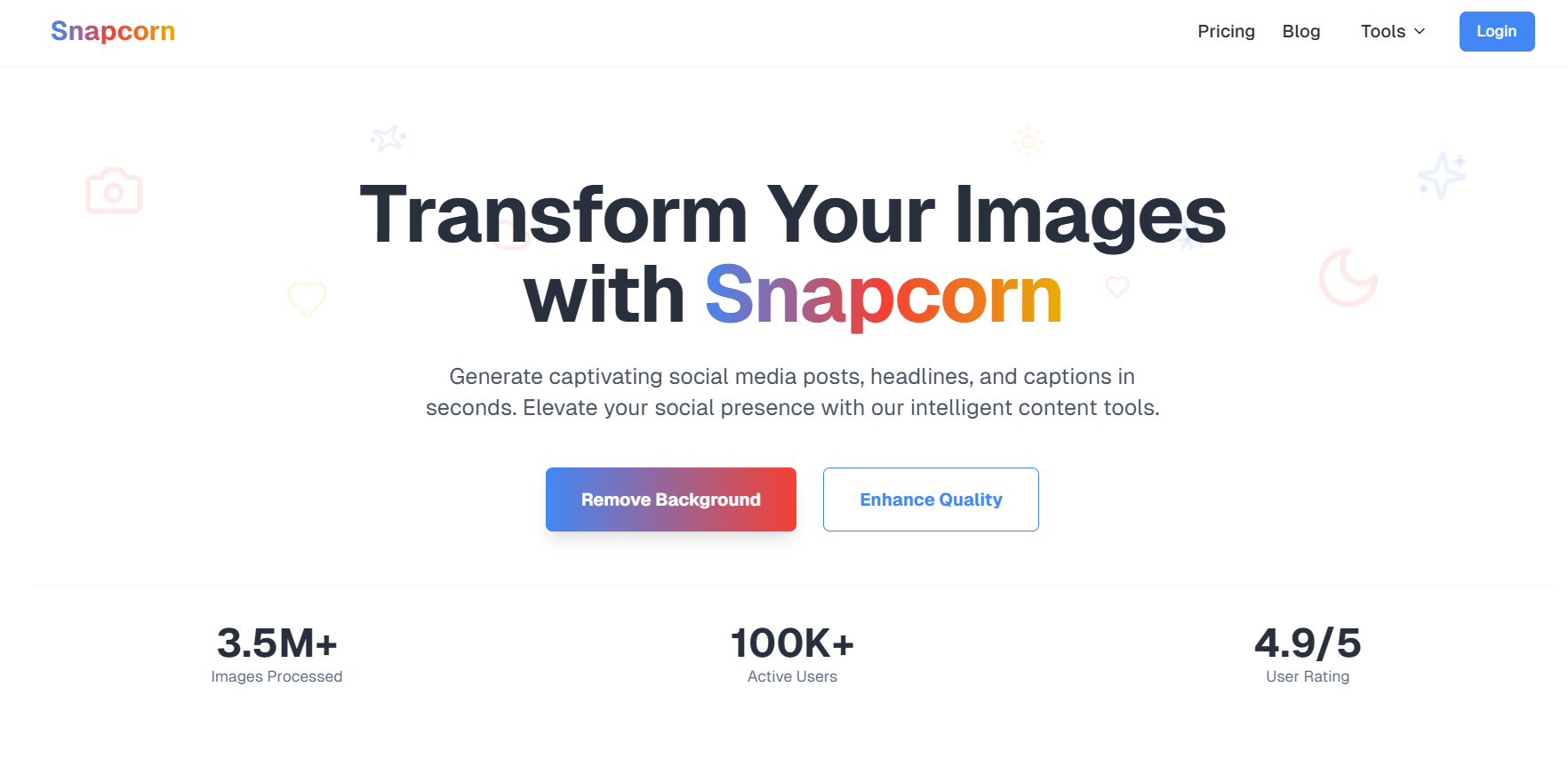
Best For: E-commerce businesses needing high-quality product images at scale.
SnapCorn is an AI-powered tool ideal for e-commerce businesses needing high-quality product images at scale. Its capabilities include bulk image editing, background removal, and lifestyle imagery generation, enhancing the visual merchandising experience. With its powerful automation features, SnapCorn delivers studio-quality results, although full functionalities may require a subscription.
Find out more at SnapCorn.
Pros
High-quality output
User-friendly interface
Specifically dedicated to e-commerce
Cons
Full functionalities may require a subscription
Initial learning curve for beginners
Actionable Advice
To utilize SnapCorn effectively, start by selecting your images in bulk. Take advantage of the AI tools to generate lifestyle imagery tailored to your e-commerce needs.
Pricing
Free Plan: For tailored packages, you can reach out to their sales team directly.
Paid Plan: Starts at $20 per month for the Pro Plan with additional credits available.
2. Visme
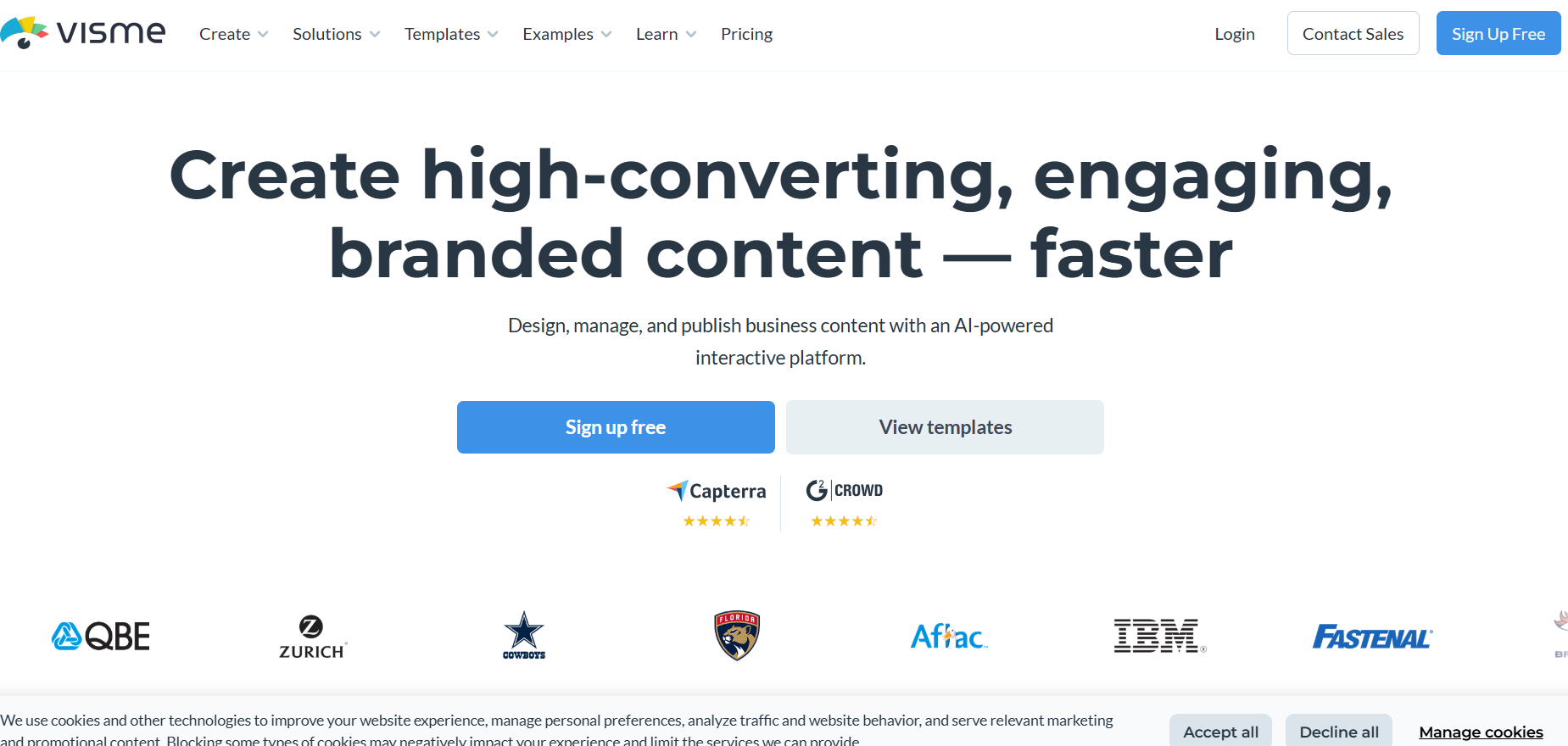
Best For: Users looking for a comprehensive design suite with a focus on professional visuals.
Visme offers an all-in-one design suite that features an AI background remover along with a library of stock images and templates. It's perfect for professional visuals but has limited access in its free plan.
Comprehensive design suite
Vast library of templates
AI-powered background remover
Cons
Free plan has limited access to features
May lack advanced features that some users need
Actionable Advice
Leverage Visme’s templates to create layouts that complement your product images effectively. Test the background remover feature to assess its quality before committing to a premium plan.
Pricing
Free Plan: Free plan available with limited features.
Paid Plan: Starts at $12.25/month for premium access.
3. Remove.bg
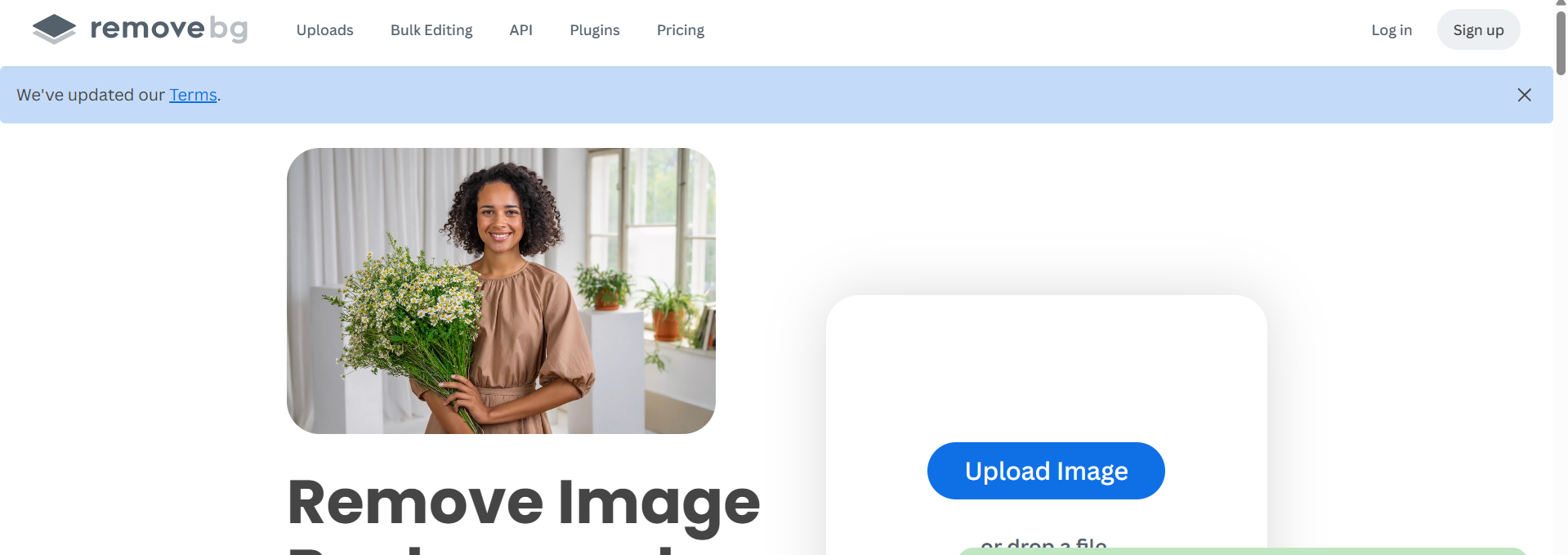
Best For: Quick, quality background removal with various integrations.
Remove.bg is known for its simplicity and efficiency in image processing. The tool is particularly useful for those who need quick background removal capabilities. It integrates seamlessly with various platforms and offers high-quality cutouts that maintain image integrity.
Pros
Simple and intuitive interface
High-quality cutouts with minimal effort
Versatile integrations available
Cons
Higher costs for occasional users
Limited editing features beyond background removal
Actionable Advice
Utilize Remove.bg's drag-and-drop feature for swift background removals. For those with regular needs, consider investing in a subscription to save costs in the long run.
Pricing
Free Plan: Free for one photo.
Paid Plan: Subscription plans start at $9/month for additional images.
4. PhotoRoom
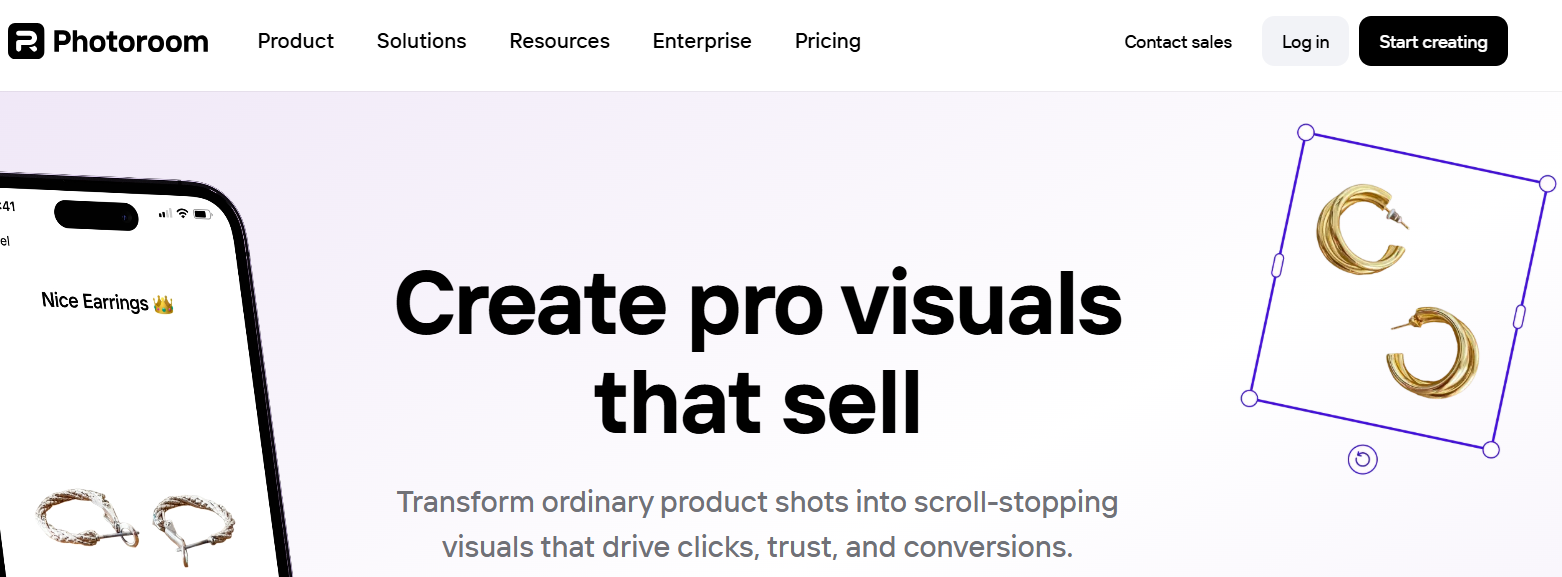
Best For: E-commerce and social media content creation.
PhotoRoom specializes in creating stunning visuals for e-commerce and social media, making it easier to produce engaging content quickly. The tool offers extensive editing features and a variety of background options for different e-commerce needs.
Pros
Extensive features for image enhancement
User-friendly interface
Great for social media content creation
Cons
Some advanced features are locked behind premium plans
Can be limiting for users requiring bulk operations without subscriptions
Actionable Advice
Using PhotoRoom, experiment with different background options to see what fits best with your brand identity. Test the app on various product shots to maximize its potential.
Pricing
Free Plan: Free for basic features.
Paid Plan: Premium tiers available based on credits used.
5. Pix
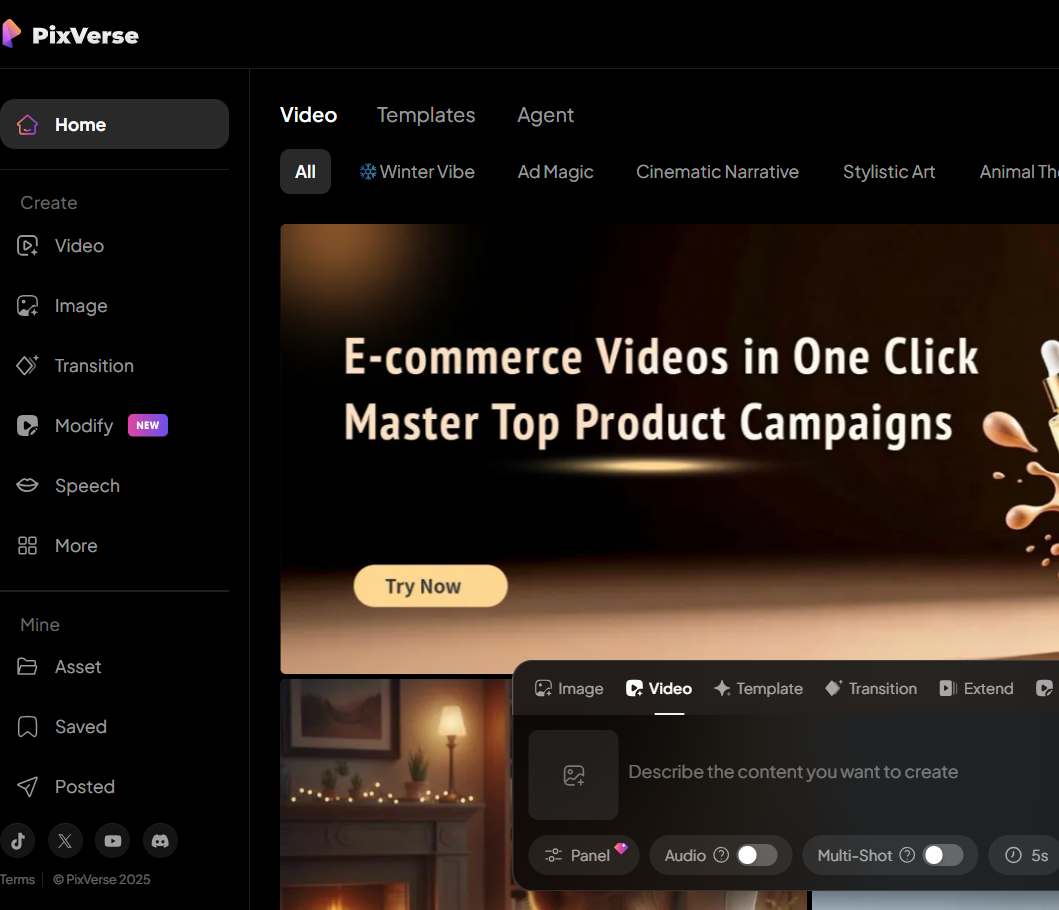
Best For: SMBs needing accessible product photography solutions.
Pix has gained popularity among small to medium-sized businesses looking for accessible product photography solutions. This tool emphasizes user-friendliness and supports batch processing capabilities, ideal for companies managing numerous images simultaneously.
Pros
Easy to use, even for beginners
Batch processing capabilities for high-volume users
Web-based application means no downloads required
Cons
Limited to online editing only
May lack advanced editing features that professionals need
Actionable Advice
To maximize your experience with Pix, organize your images in batches, and process them collectively for efficiency.
Pricing
Free Plan: Free for initial credits.
Paid Plan: Monthly subscriptions available as you grow.
6. Magic Eraser (via insMind)
Best For: Users wanting a straightforward, no-cost option for background removal.
Magic Eraser serves as an accessible option for users needing straightforward background removal. The tool allows for quick edits without watermarks and provides an efficient way to achieve a clean look.
Pros
Fast operation with no watermark
Straightforward interface for easy navigation
Basic features available for free usage
Cons
Only basic features available without paying
Limited editing capabilities beyond background removal
Actionable Advice
To best utilize Magic Eraser, take advantage of its straightforward editing options for quick results. Focus on basic tasks for fast processing while maintaining image quality.
Pricing
Free Plan: The tool is free.
Paid Plan: Premium options available.
7. Wondershare Pixcut
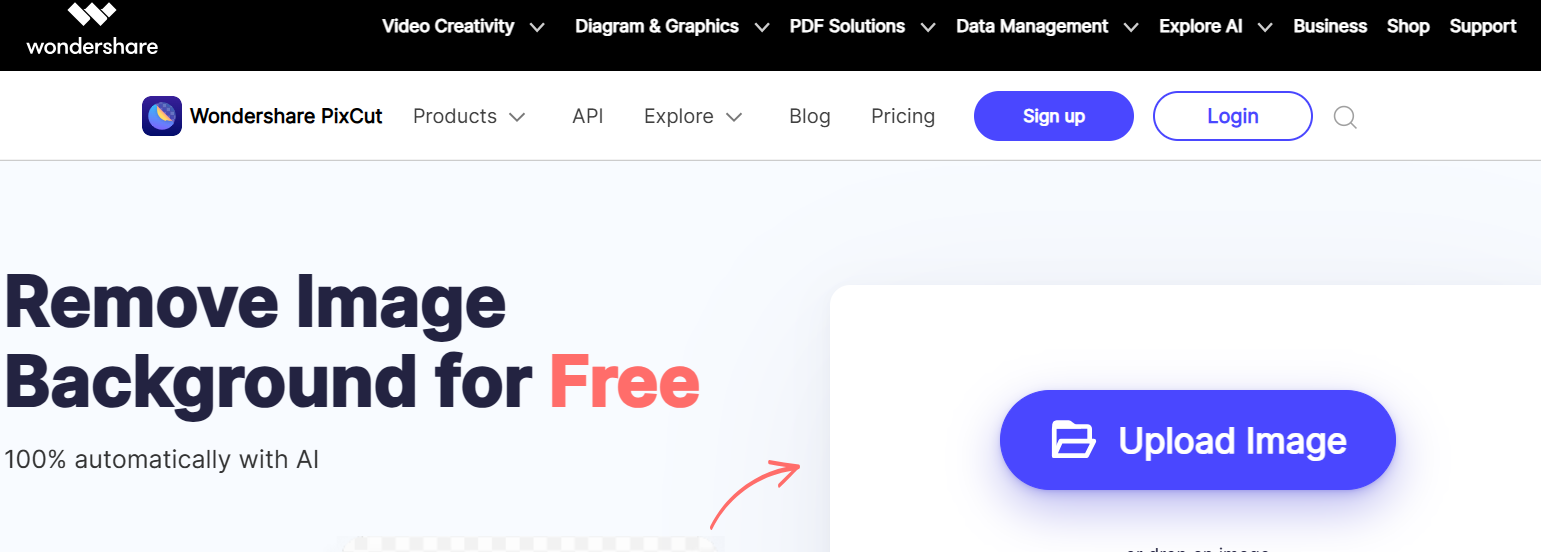
Best For: Those needing prompt editing operations.
Wondershare Pixcut offers excellent options for users who need quick editing capabilities. Its dual functionality allows users to resize images while simultaneously removing backgrounds.
Pros
Dual functionality including image resizing
Fast processing operations
High-quality outputs
Cons
Processing time may lengthen for high-resolution images
Initial credits needed to utilize fully
Actionable Advice
Experiment with both background removal and resizing features to see how they work together in Pixcut. Start with free credits to gauge its effectiveness for your needs.
Pricing
Free Plan: Free with credits.
Paid Plan: Pricing starts at $6.99/month.
8. Zyro

Best For: Quick edits for e-commerce and social media images.
Zyro has received attention for being both user-friendly and effective for quick edits in e-commerce settings. Its layout is designed to accommodate ease of use, particularly for users who require rapid edits to product images for social media engagement.
Pros
User-friendly interface with intuitive design
Completely free to start using
Great for basic, quick edits
Cons
Lacks bulk editing capabilities for larger operations
Fewer advanced features compared to some competitors
Actionable Advice
Utilize Zyro for rapid edits, especially for time-sensitive campaigns, ensuring your product images are always looking their best without delay.
Pricing
Free Plan: Free services for basic needs.
Paid Plan: Additional paid plans available.
9. Adobe Express
Best For: Existing Adobe users looking for integrated solutions.
Adobe Express allows current Adobe users to access an expansive suite of editing tools tailored for quick and effective background removal.
Pros
Professional editing tools that are widely trusted
Seamless integration with other Adobe products
Powerful capabilities for visual content creation
Cons
May be challenging for beginners to navigate
Advanced features locked behind premium subscriptions
Actionable Advice
If you're familiar with Adobe software, leverage Adobe Express for its robust features. Engage with tutorials to maximize all the advanced functionalities available.
Pricing
Free Plan: Free tier available.
Paid Plan: Premium features require a subscription, starting at around $35/month.
10. Removal.ai
Best For: Those looking for cost-effective solutions with basic features.
Removal.ai presents an effective option for users needing a straightforward background removal process. The tool supports large image sizes, making it suitable for brands working with various formats.
Pros
Supports large image sizes, beneficial for e-commerce
Good entry point for initial editing testing
Easily accessible for all users
Cons
Quality can vary significantly without subscriptions
Limited features unless unlocking paid options
Actionable Advice
Begin with Removal.ai for simple, cost-effective background removals for your e-commerce needs. Test various images to determine the software’s effectiveness before advancing to paid features.
Pricing
Free Plan: Free for initial image credits.
Paid Plan: Subsequent pricing per image processed.
Conclusion
This collection examines top free background removal tools for e-commerce product photography, emphasizing practical strengths and limitations. The review covers AI-first services that excel at speed and bulk operations, browser-based editors suitable for quick fixes, and platforms offering deeper manual controls for precision editing. Practical considerations include output quality, batch-processing capacity, integration with storefronts, and cost as usage scales. For sellers, tools like Remove.bg and PhotoRoom balance speed and quality, while Pix and Zyro offer accessible starting points. Test multiple tools against your product variety to identify the best combination that saves time while producing polished images that drive sales.
Frequently Asked Questions
What makes a good background removal tool for e-commerce?
An effective background removal tool should provide high accuracy, quick processing times, and support for batch editing to manage inventory efficiently.
Is it worth paying for a background removal tool if there are free options available?
It often depends on your needs. Paid tools typically offer more features, better quality, and customer support, which may benefit larger scale businesses or professional requirements.
Can I use background removal tools for video content?
Some tools specialize in images only, while others, like SnapCorn, provide features for both images and video outputs.
How can I ensure the quality of images after removal?
Choose tools that preserve edge details and allow you to adjust or enhance images post-removal for the best results.
Are there any specific tools better for mobile users?
Many tools, such as PhotoRoom and Adobe Express, have mobile-friendly versions, enabling users to edit on the go.



