
10 Best Remove.bg Alternatives: Free & Paid Options Compared (2026)

Key Takeaways (5 Points)
Remove.bg alternatives often provide better pricing and more features
Free tools like Snapcorn and Adobe Express offer unlimited usage
E-commerce sellers benefit most from tools like Photoroom and Pixelcut
Bulk processing tools save time for agencies and large teams
Choosing the right tool depends on volume, quality, and budget
Introduction
Remove.bg is widely used for background removal, but its limited free credits and rising costs make it less practical for many users in 2026. Creators, e-commerce sellers, and marketers now need tools that offer better value, higher quality, and more flexibility—especially when working with large image volumes.
This blog compares the 10 best Remove.bg alternatives, both free and paid. Based on real testing across thousands of images, it highlights tools that deliver unlimited processing, bulk editing, design features, or budget-friendly pricing. Whether you need quick edits or professional e-commerce visuals, this guide helps you choose the right option.
Why You Need a Remove.bg Alternative
Remove.bg is a popular background removal tool, but it has limitations that push users to seek alternatives. The free plan offers only 3 credits, forcing users into paid subscriptions quickly. Pricing starts at $9 per month for just 40 credits.
For businesses processing hundreds of images, costs escalate quickly - the Pro plan at $39/month offers only 200 credits, and Volume+ costs $80/month for 500 credits. Remove.bg focuses solely on background removal without additional editing tools, making it expensive compared to alternatives offering more comprehensive features.
After testing dozens of background removal tools over six months with over 5,000 images, I found tools offering better value, unlimited free processing, and specialized features for specific use cases.
Quick Answer
Best free unlimited alternative: Snapcorn
Best for e-commerce: Photoroom
Best for bulk processing: Slazzer
Best all-in-one design tool: Canva
Best budget option: Erase.bg ($5 for 10 credits)
Comparison Table: All 10 Alternatives
Tool | Free Plan | Paid From | Best For | Quality | Mobile |
|---|---|---|---|---|---|
Snapcorn | Unlimited | $20/mo | Content creators | Excellent | Yes |
Pixelcut | Limited | $10/mo | Product photos | Excellent | Yes |
Photoroom | 250/mo | $12.99/mo | E-commerce | Outstanding | Yes |
Canva | Limited | $15/mo | All-in-one design | Very Good | Yes |
Clipping Magic | 1 preview | $3.99/mo | Manual control | Excellent | Yes |
Slazzer | Preview | $13/mo | Bulk processing | Excellent | Yes |
Removal.AI | Low-res | $5.99/mo | Budget users | Very Good | Yes |
Cutout.Pro | 5 credits | $5/mo | Video editing | Very Good | Yes |
Erase.bg | 3 credits | $5/10 | Pay-as-you-go | Good | Yes |
Adobe Express | Unlimited | Free | Adobe users | Very Good | Yes |
Detailed Reviews: 10 Best Alternatives
1. Snapcorn
Best for: Social media creators, content marketers, unlimited free processing
Snapcorn is an AI-powered image editing suite offering unlimited background removal alongside upscaling, colorization, and restoration. Unlike Remove.bg's 3-credit free trial, Snapcorn provides truly unlimited processing without watermarks or daily limits.
Pros
Truly unlimited free background removal
Excellent edge detection for complex objects
Additional tools included: upscaler, colorizer, restoration
No watermarks on downloads
Fast processing: 2-3 seconds average
Batch processing available
Cons
API not yet available (coming soon)
Fewer enterprise features than paid competitors
Limited manual edge refinement options
Pricing
Free: Unlimited background removals, 40 credits/month
Pro: $20/month or $200/year (500 credits)
Premium: $50/month or $500/year (1,500 credits)
How to Use the Snapcorn Background Remover Tool
Follow these simple steps:
Upload your image

Click on the Background Remover tool.
Your image background will be removed instantly.

Summary: Snapcorn is the best free alternative of remove.bg for social media managers, bloggers, and small businesses processing dozens of images weekly. The unlimited free plan makes it unbeatable for budget-conscious users.
2. Pixelcut
Best for: E-commerce sellers, product photography, small businesses
Pixelcut is a mobile-first AI image editor designed specifically for product photography. Beyond background removal, it offers access to 2 million professional backgrounds and AI-generated scenes.
Pros
Free unlimited basic quality removals
2 million professional background templates
Excellent mobile apps (iOS and Android)
AI upscaling and Magic Eraser included
Virtual try-on technology
Cons
HD downloads require a Pro subscription
The free plan has lower resolution outputs
Advanced features locked behind a paywall
Pricing
Free: Unlimited basic quality
Pro: $10/month or $96/year (600 credits)
Pro+: $30/month or $288/year (3,600 credits)
Max: $60/month or $576/year (9,000 credits)
Summary: Perfect for e-commerce sellers needing professional product photos without expensive equipment. The mobile-first approach makes it ideal for on-the-go editing.
3. Photoroom
Best for: Professional e-commerce, marketing agencies, product photographers
Photoroom is professional-grade AI editing software built specifically for commercial product photography. The AI is trained on product photography, excelling at reflective surfaces, glass, and complex shapes.
Pros
Industry-leading edge detection quality
Instant background replacement with AI scenes
Batch editing up to 1,000 images
Robust API for workflow integration
Shadow generation and realistic lighting
Cons
Limited free plan (250 exports per month)
Higher pricing than competitors
Steeper learning curve for beginners
Pricing
Free: 250 exports/month (watermarked)
Pro: $12.99/month (unlimited HD images)
Max: $34.99/month (advanced AI models)
Enterprise: Custom pricing (API, white-label)
Summary: If processing hundreds of product images monthly where quality is non-negotiable, Photoroom's $12.99/month is worth the investment. Best-in-class for professional e-commerce.
4. Canva
Best for: Designers, marketers, users needing design tools plus background removal
Canva includes AI background removal as part of its comprehensive design suite. You get background removal plus access to 140 million stock photos, 610,000 templates, and complete design tools.
Pros
Seamless integration with design workflow
610,000 templates included
Team collaboration features
Magic Eraser and other AI tools
140 million stock assets
Cons
Background removal not the core focus
Quality can vary on complex images
No API access
Requires subscription for full features
Pricing
Free: Limited features, 5GB storage
Pro: $15/month or $120/year (unlimited removal)
Teams: $10/month per user (min. 3 users)
Summary: Choose Canva if you already need design software and want background removal included. Do not choose it if you only need background removal.
5. Clipping Magic
Best for: Manual control, precise editing, complex images
Clipping Magic combines AI automation with manual editing tools for precise background removal. It offers a unique dual-mode editor where you mark foreground and background areas to guide the AI.
Pros
Smart AI with manual override controls
Real-time preview while editing
Handles complex transparent objects well
Built-in shadow and color adjustment tools
Supports batch processing
High-quality edge refinement
Cons
Requires more manual work than full-auto tools
Steeper learning curve
More expensive than basic alternatives
No mobile app
Pricing
Free: 1 low-resolution preview
Starter: $3.99/month (15 images) or $39/year
Personal: $7.99/month (100 images) or $79/year
Professional: $19.99/month (500 images) or $199/year
Enterprise: Custom pricing for unlimited images
Summary: Clipping Magic is ideal for users who need precise control over background removal, especially for complex images with transparent objects, intricate edges, or challenging backgrounds. The manual editing tools make it perfect for professional photographers and designers who want pixel-perfect results.
6. Slazzer
Best for: Bulk processing, high-volume workflows, desktop users
Slazzer is an AI background remover with desktop applications for Windows, Mac, and Linux. It excels at bulk processing with capability to handle up to 500 images per minute.
Pros
Process up to 500 images per minute
Desktop apps for Windows, Mac, Linux
Excellent hair and fur edge detection
API integration available
Credit rollover (up to 6x monthly budget)
Cons
Free plan limited to preview images only
HD downloads require credits
No built-in editing tools
Pricing
Free: Unlimited preview images
100 credits: $13/month
500 credits: $49/month
Top-up: Credits valid for 2 years
Summary: Slazzer is ideal for businesses and agencies processing hundreds or thousands of images regularly. The desktop app and bulk processing capabilities make it a production workhorse.
7. Removal.AI
Best for: Budget-conscious users, occasional use, flexible pricing
Removal.AI offers 100% free background removal for low-resolution images and flexible pay-as-you-go pricing for HD downloads. Credits are valid for 3 years.
Pros
100% free for low-resolution images
Lifetime credits valid for 3 years
Very affordable monthly plans ($5.99 start)
Batch processing available
14-day money-back guarantee
Cons
Free version limited to 0.25 megapixels
Basic manual editing tools
Quality varies on complex backgrounds
Pricing
Free: Low-resolution unlimited
Monthly: $5.99/month (40 credits, $0.15/image)
Lifetime: $8.99 for 10 credits ($0.89/image, 3-year validity)
High-volume: Custom pricing for 100,000+ images
Summary: Removal.AI is perfect for occasional users who need flexibility. The lifetime credits and free low-res option make it budget-friendly for personal projects.
8. Cutout.Pro
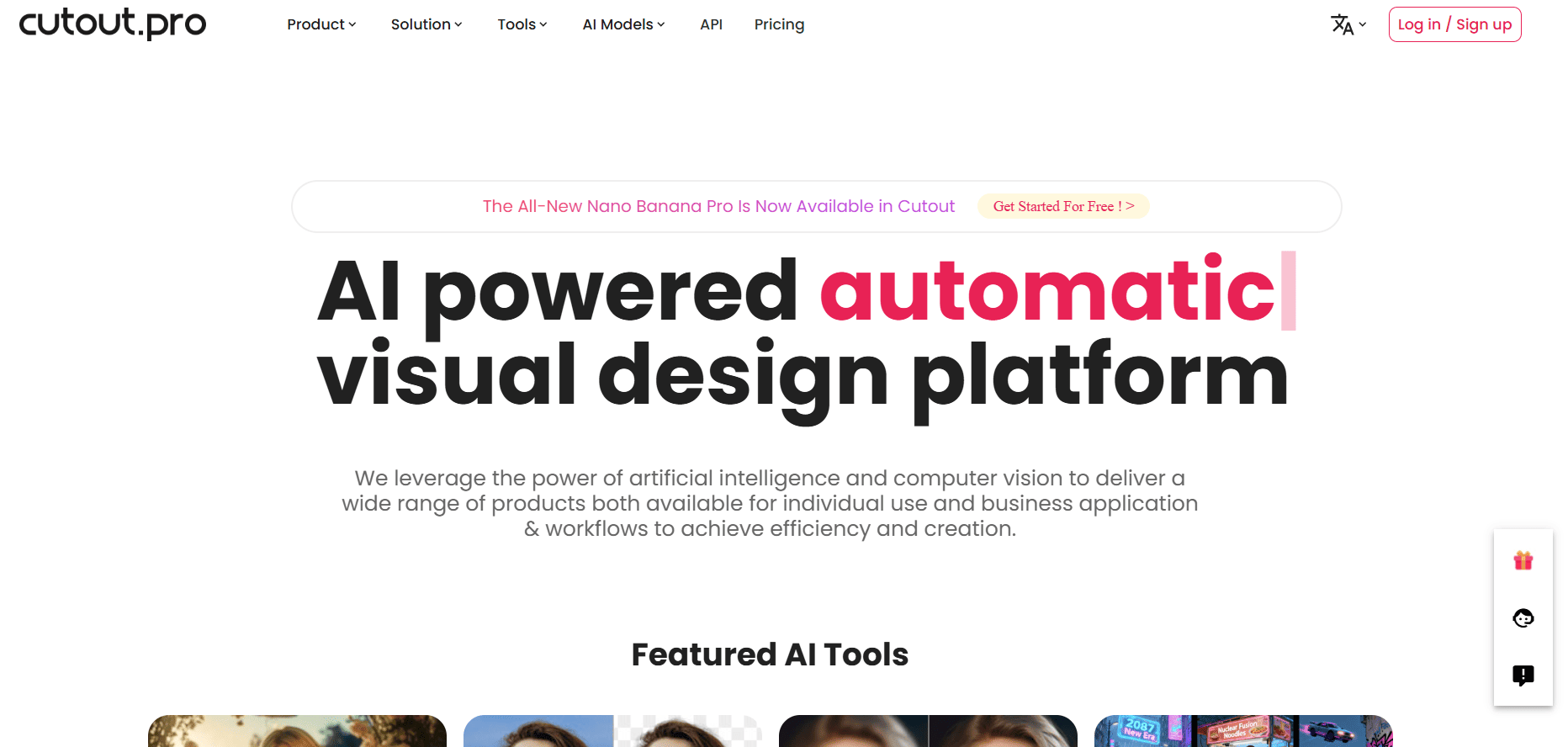
Best for: Video background removal, comprehensive editing, AI art generation
Cutout.Pro is an AI-powered visual editing platform offering background removal for both images and videos, plus photo enhancement, AI art generation, and video editing capabilities.
Pros
Video background removal included
AI art generation features
Batch processing up to 1,000 images
Photo enhancement and upscaling
API integration available
Cons
Only 5 free image credits to start
Can struggle with very large files
Credit-based pricing can add up
Pricing
Free: 5 image credits
Subscription: $5/month (40 credits, $0.125/credit)
Pay-as-you-go: $2.99 for 3 credits ($0.99/credit)
Video: $19/minute, discounts for bulk
Summary: Cutout.Pro is best for users needing both image and video background removal. The comprehensive toolkit makes it suitable for content creators working across multiple formats.
9. Erase.bg
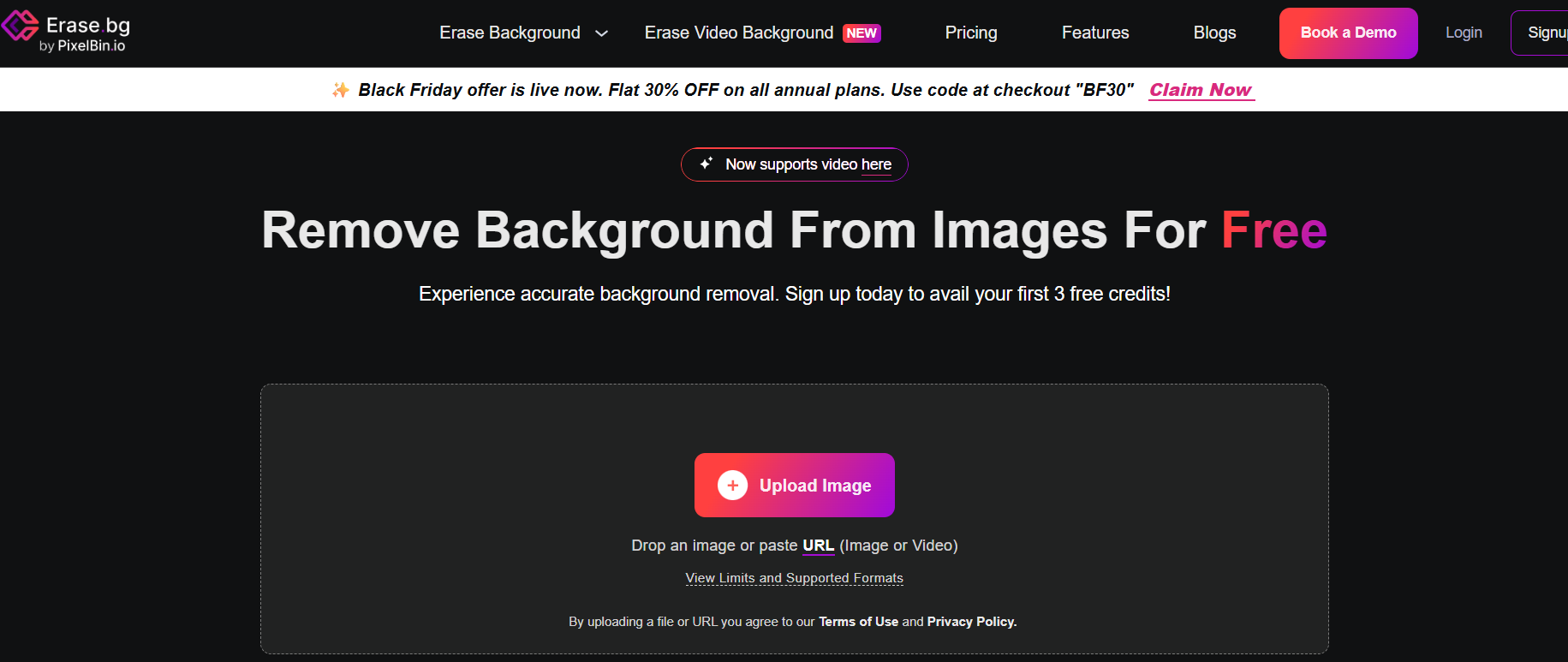
Best for: Pay-as-you-go flexibility, HD exports, simple interface
Erase.bg is an AI background removal tool with straightforward pay-as-you-go pricing. It offers 3 free HD credits to start and flexible credit purchases without subscriptions.
Pros
Simple pay-as-you-go pricing
3 free HD credits to start
No subscription required
Batch processing available
Fast processing speed
Cons
Pay-per-use can be expensive at scale
Limited to background removal only
No advanced editing tools
Pricing
Free: 3 HD credits
Pay-as-you-go: $5 for 10 credits ($0.50/image)
Starter: $29/month (300 credits)
Basic: $89/month (1,200 credits)
Premium: $299/month (5,000 credits)
Summary: Erase.bg suits users who need occasional background removal without monthly commitments. The pay-as-you-go model provides flexibility for sporadic use.
10. Adobe Express
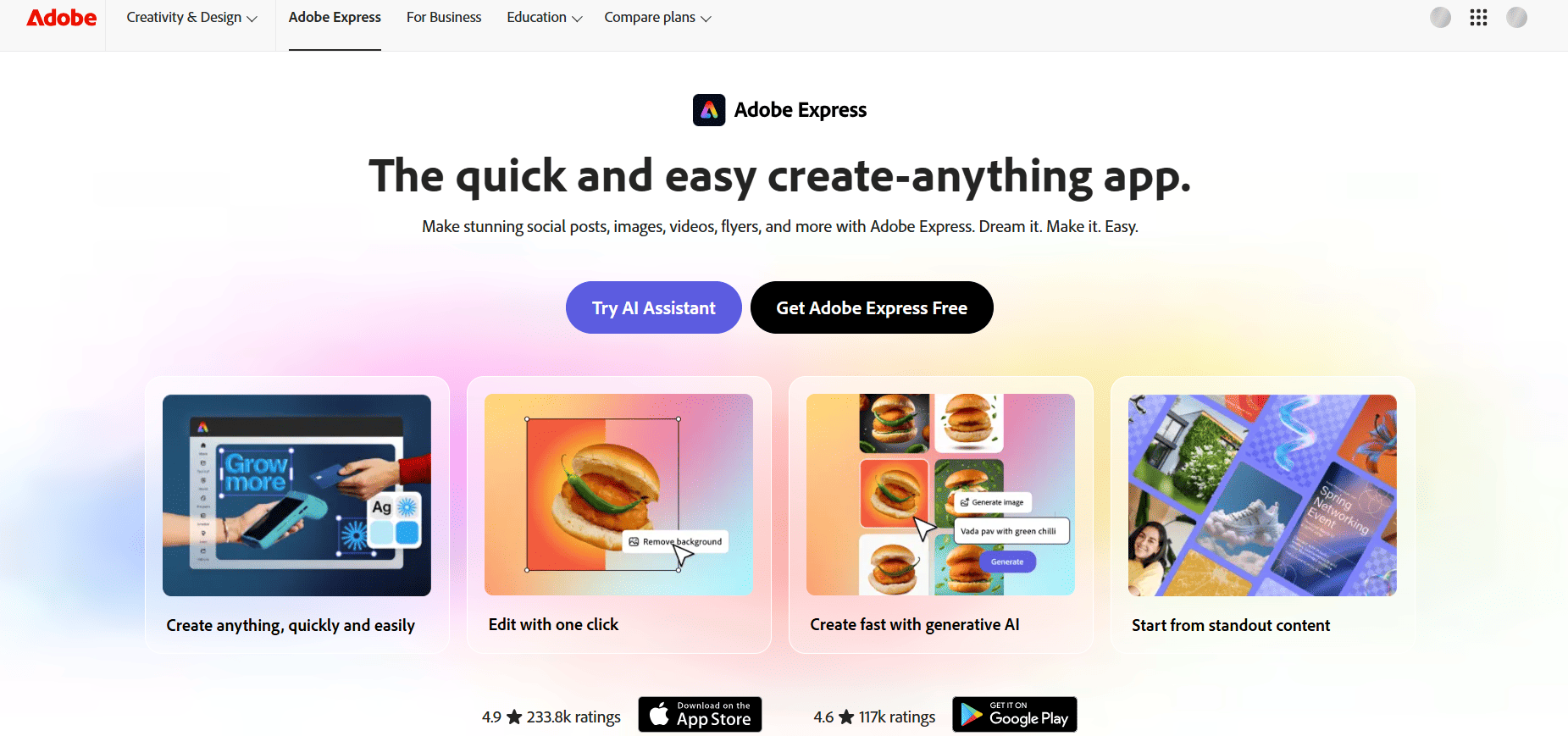
Best for: Adobe users, unlimited free removal, design integration
Adobe Express offers completely free unlimited background removal using Adobe's Firefly AI. It integrates seamlessly with Adobe's ecosystem and includes access to thousands of design templates.
Pros
Completely free unlimited background removal
Powered by Adobe Firefly AI
Integrates with Adobe ecosystem
Thousands of design templates
Video background removal available
Cons
Can struggle with fine details (hair, glass)
No API access
No batch processing in free plan
Shares generative AI credit pool
Pricing
Free: Unlimited background removal, basic features
Premium: Available but not required for removal
Summary: Adobe Express is excellent for casual users already in Adobe's ecosystem. The truly free unlimited removal makes it a strong alternative, though quality may vary on complex images.
How to Choose the Right Alternative
Selecting the right tool depends on your specific needs and budget. Here's a decision framework:
If you need unlimited free processing:
Snapcorn (truly unlimited, no restrictions)
Adobe Express (unlimited, may struggle with details)
If quality is everything:
Photoroom (best for e-commerce, $12.99/month)
Slazzer (excellent edge detection, $13/month)
If you process hundreds/thousands of images:
Slazzer (500 images/minute, desktop app)
Photoroom (batch up to 1,000 images)
If you need design tools too:
Canva (best all-in-one, $15/month)
Adobe Express (free, integrates with Adobe)
If the budget is tight:
Snapcorn (free unlimited)
Erase.bg ($5 for 10 credits, pay-as-you-go)
Removal.AI ($5.99/month for 40 credits)
Frequently Asked Questions
Is there a completely free Remove.bg alternative with no limits?
Yes, both Snapcorn and Adobe Express offer unlimited free background removals. Snapcorn focuses specifically on image editing tools, while Adobe Express provides design features alongside removal.
Which alternative has the best quality?
For overall quality, Photoroom and Slazzer lead the pack. Photoroom excels at e-commerce and product photography, while Slazzer handles complex edges like hair and fur exceptionally well.
Can I remove backgrounds from multiple images at once?
Yes. Slazzer (up to 500/minute), Photoroom (up to 1,000 images), Cutout.Pro (up to 1,000 images), and Snapcorn all support batch processing.
Which tool is best for Shopify or Amazon sellers?
Photoroom is purpose-built for e-commerce with batch processing, instant background replacement, and product-specific AI training. Pixelcut is also excellent with 2 million background templates.
Do these tools have APIs for developers?
Yes. Remove.bg, Photoroom, Pixelcut, Slazzer, Removal.AI, Cutout.Pro, and Erase.bg all offer API access. Snapcorn's API is coming soon.
Final Recommendations
After testing over 5,000 images across these platforms, here are my recommendations:
Best Overall Free Alternative: Snapcorn
For users who do not want to pay anything and need unlimited processing, Snapcorn delivers excellent quality with no restrictions.
Best Paid Alternative: Photoroom
For serious e-commerce work where quality matters, Photoroom's $12.99/month provides outstanding edge detection and batch capabilities.
Best for E-commerce: Pixelcut
At $10/month with 2 million background templates, Pixelcut is perfect for product photography and online sellers.
Best Budget Option: Erase.bg
For occasional use, Erase.bg's pay-as-you-go model ($5 for 10 credits) provides flexibility without monthly commitments.
Conclusion
The background removal landscape has evolved dramatically. You no longer need to settle for Remove.bg's limitations or expensive pricing.
Start with Snapcorn's free unlimited plan. Test it with 20-30 of your typical images. If it handles your use case, you have found a better, free alternative.
If you need higher volume or specialized features, try Photoroom or Pixelcut's free trials to compare quality against your specific image type



