
15+ Best Background Remover Tools in 2026 (Free & Paid)


Introduction
High-quality images drive engagement and sales—and in 2026, background remover tools make creating those images faster and easier than ever. This guide reviews 15+ top background remover tools (free and paid) for e-commerce sellers, marketers, designers, and content creators, comparing accuracy, batch processing, integrations, pricing, and usability. You’ll find short reviews that highlight each tool’s best use case—Remove.bg for designers, PhotoRoom for small brands, Clipping Magic for precise manual edits, and Wepik for basic free needs—along with pros, cons, and pricing details. Whether you need one-off edits, API support for high-volume workflows, or an all-in-one design suite, this roundup helps you quickly pick the right tool to produce clean, professional images that convert.
Key Takeaways
Background remover tools save time by using AI to automatically separate subjects from backgrounds.
Both free and paid tools are available, catering to beginners, businesses, and professionals.
High-quality images with clean backgrounds improve engagement and conversion rates.
Some tools specialize in speed and automation, while others offer detailed manual control.
Choosing the right tool depends on your use case, image volume, and required editing features.
Let’s dive into our curated list of the top background remover tools in 2026 that can help you create stunning, professional images effortlessly!
Quick Look
Remove.bg
PhotoRoom
Clipping Magic
Canva Pro
Slazzer
InPixio
Pixlr
Fotor
AIarty
Photoroom
Depositphotos
Visme
Adobe Express
Wepik
Understanding the significance of these tools is critical. High-quality images with professional-looking backgrounds are essential for increased engagement and higher conversion rates, especially in today’s competitive market. In fact, about 75% of marketers say that great images greatly impact user engagement. This guide allows you to find the perfect tool that fits your specific requirements, whether it’s for personal use or business.
Comparison Table Tool Reviews
| Tool Name | Best For | Free Plan/Trial | Starting Price |
|---|---|---|---|
| Snapcorn | E-commerce, Marketers | Limited | Subscription-based |
| Remove.bg | Designers & E-commerce | Yes | $0.18/image |
| PhotoRoom | Small brands | Yes | $89.99/year |
| Clipping Magic | Detailed edits | Yes | $3.99/image |
| Canva Pro | Casual users | Limited | $12.99/month |
| Slazzer | Fast removal | Limited | $0.15/image |
| InPixio | Comprehensive editing | Yes | $9.99/month |
| Pixlr | Creative projects | Yes | $4.99/month |
| Fotor | Beginners | Yes | $8.99/month |
| AIarty | Cost-effective solutions | Yes | $49 (Pro) |
| Photoroom | Businesses | Free trial | $89.99/year |
| Depositphotos | Photographers | Limited | $9.99/month |
| Visme | Creative professionals | Yes | $12.25/month |
| Adobe Express | Versatile editing | Limited | Subscription-based |
| Wepik | Basic design tools | Free | Free |
Tool Reviews
1. Snapcorn
Best For: E-commerce, social media marketers, and content creators

Snapcorn is a powerful AI-based background removal tool designed for e-commerce, social media marketers, and content creators. With an easy-to-use interface and support for various formats, it allows batch processing and cloud storage integration. The only downsides are limited features in the free plan and a requirement for internet connectivity.
Pricing
Free Plan: 40 credits per month
Paid Plan: Starts from $20 per month for the Pro plan
Pros & Cons
Pros:
Fast processing speeds
High-quality image output
Seamless integration with various tools
Cons:
Limited features in the free plan
Requires an internet connection
2. Remove.bg
Best For: E-commerce and design professionals
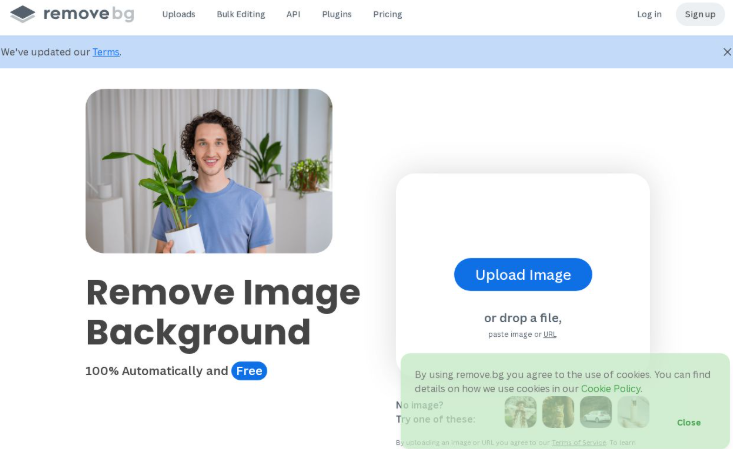
Remove.bg is an industry-leading tool that automates background removal with impressive accuracy. Preferred among e-commerce and design professionals, its capabilities include batch processing and API access for those looking to integrate background removal into their applications or workflows.
Pricing
- Free Plan: Pay-as-you-go $0.18/image
Pros & Cons
Pros:
High accuracy and speed
Easy-to-use interface
Supports batch processing
Cons:
- Costs can accumulate with high volumes of images
3. PhotoRoom

Best For: Small brands and online sellers
PhotoRoom specializes in background removal for product images, making it ideal for small brands looking to enhance their visual appeal. It offers templates for various uses, including social media posts, and is designed with user-friendliness in mind.
Pricing
Free Plan: Yes
Paid Plan: Available for $89.99/year
Pros & Cons
Pros:
Intuitive interface
Various built-in templates
Integrates smoothly with online selling platforms
Cons:
- Some limitations in the free plan
4. Clipping Magic
Best For: Professionals needing precise control
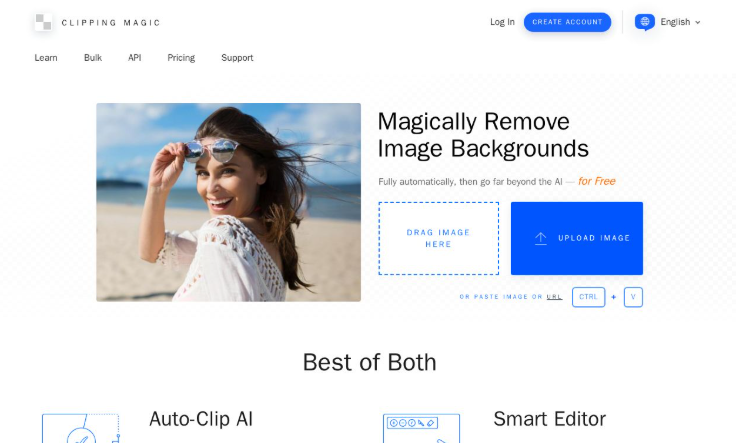
Clipping Magic stands out with its interactive editing tools, allowing users to manually adjust the background removal process. Its customizable features are perfect for professionals who require detailed control over their images.
Pricing
Free Plan: Yes
Paid Plan: Starts at $3.99/image
Pros & Cons
Pros:
Highly interactive interface
Excellent for intricate edits
Offers clear tutorials for beginners
Cons:
- Can require manual adjustments for best results
5. Canva Pro
Best For: Casual users and marketers
Canva Pro is primarily a design platform but includes an excellent background removal feature within a suite of design tools. This makes it perfect for marketers and casual users wanting to create visuals without heavy editing.
Pricing
Free Plan: Limited
Paid Plan: $12.99/month
Pros & Cons
Pros:
All-in-one design tool
User-friendly with templates
Good for quick edits
Cons:
- Limited features in the free version
6. Slazzer
Best For: Anyone needing fast removal
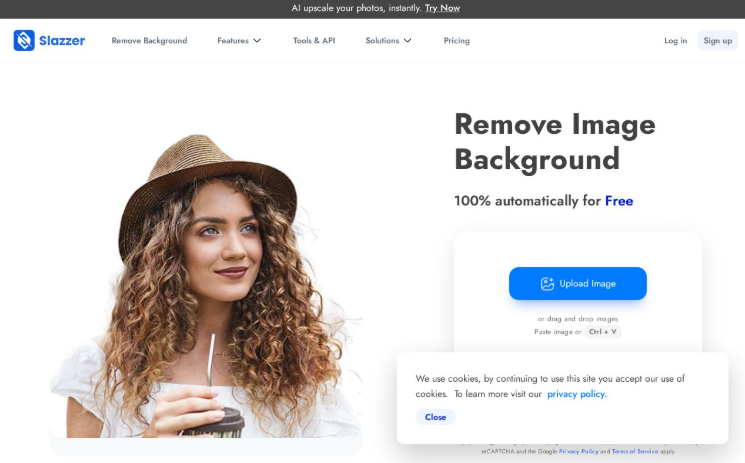
Slazzer provides an efficient, AI-based background removal experience that excels at batch processing, making it an excellent choice for those needing to process multiple images quickly.
Pricing
Free Plan: 2 Free credits
Paid Plan: Starts at $11/month for 100 credits
Pros & Cons
Pros:
User-friendly interface
Decent accuracy for general use
Batch processing capabilities
Cons:
- Free edition has limitations
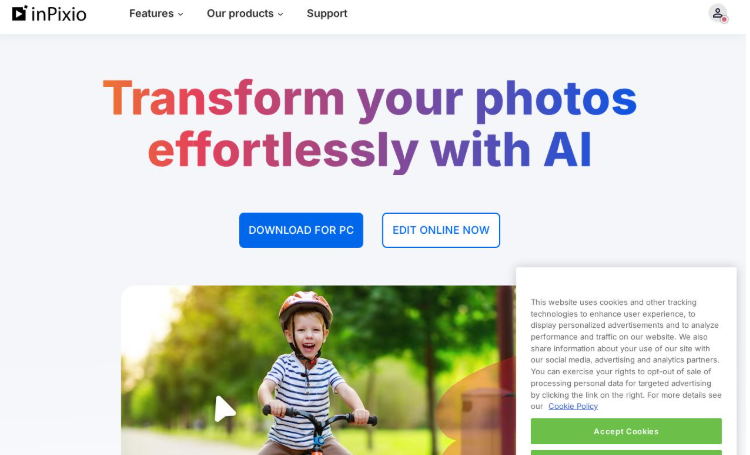
7. InPixio
Best For: Comprehensive editing
InPixio combines background removal with various photo editing tools, making it suitable for users seeking a well-rounded solution for their photo editing needs.
Pricing
Free Plan: Not available
Paid Plan: Pricing not found
Pros & Cons
Pros:
User-friendly interface
Various features in one platform
Good support and resources
Cons:
- Some features require paid versions
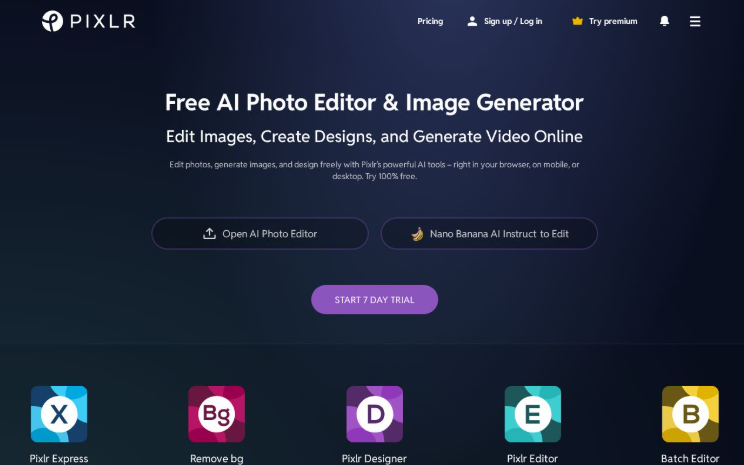
8. Pixlr
Best For: Creative projects
Pixlr offers extensive photo editing tools alongside its background removal capabilities, making it suitable for creative projects and users wanting more control over their images.
Pricing
Free Plan: Yes
Paid Plan: $4.99/month for premium features
Pros & Cons
Pros:
Rich editing tools available
Good user experience
Cons:
- Advanced features may require payment
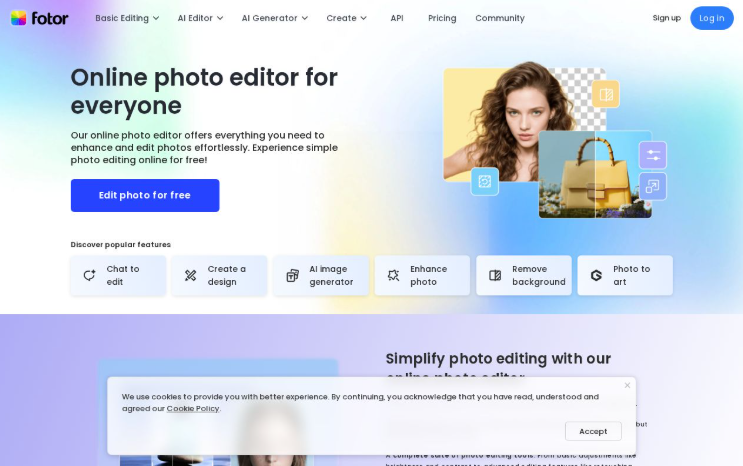
9. Fotor
Best For: Beginners and casual users
Fotor excels at providing easy-to-use editing tools along with its automatic background removal feature, making it ideal for beginners looking to make quick adjustments to their images.
Pricing
Free Plan: Yes
Paid Plan: $8.99/month for Pro version
Pros & Cons
Pros:
Simplistic interface
Fast process for basic images
Cons:
- Advanced features locked behind a paywall
10. AIarty

Best For: Cost-effective solutions
AIarty offers an automatic background removal solution that includes batch processing. Its free version is feature-rich, although users can opt for a premium account to access additional features.
Pricing
Free Plan: Available
Paid Plan: $49 for Pro version
Pros & Cons
Pros:
Free version has many features
Suitable for cost-conscious users
Cons:
- Watermarked output for free users
11. Photoroom

Best For: Comprehensive image solutions for businesses
Photoroom offers robust image editing solutions tailored for businesses, providing high-quality output and quick background removal.
Pricing
Free Plan: Free trial available
Paid Plan: $89.99/year
Pros & Cons
Pros:
Consistent output quality
Fast processing for users needing bulk edits
Cons:
- Pro version required for full feature access
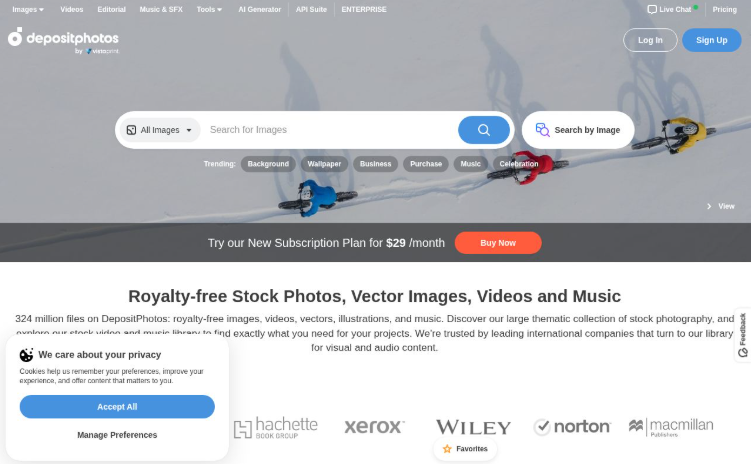
12. Depositphotos
Best For: Photographers needing integrated editing services
Depositphotos combines a stock photo service with integrated background removal, providing a comprehensive solution for photographers looking to enhance their work and provide you image and PDF both.
Pricing
Free Plan: Limited
Paid Plan: Starts at $9.99/month
Pros & Cons
Pros:
Batch processing features available
Access to an extensive library of images
Cons:
- Dependent on subscription for full feature access
13. Visme
Best For: Creative professionals looking for a range of tools
Visme stands out with its extensive features, including background removal and templates designed for various applications, from marketing to presentations.
Pricing
Free Plan: Available
Paid Plan: Starts at $12.25/month
Pros & Cons
Pros:
Versatile tool for creatives
Easy to navigate interface
Cons:
- Some tools might be locked behind premium plans
14. Adobe Express

Best For: Users needing versatile editing options
Adobe Express provides users with a reliable background remover integrated within its suite of editing tools, catering to those needing detailed edits.
Pricing
Free Plan: Limited
Paid Plan: Subscription-based
Pros & Cons
Pros:
Comprehensive editing capabilities
Recognizable and trusted brand
Cons:
- Some features are limited in the free version
15. Wepik
Best For: Users seeking basic, free design tools
Wepik offers a completely free design tool that includes a background remover, providing basic design features along with high-quality image output.
Pricing
Free Plan: Totally free
Paid Plan: Not applicable
Pros & Cons
Pros:
Totally free to use
Simple and effective design tools
Cons:
- Limited functionality compared to paid tools
Summary
In today’s visual online world, clean images grab attention and boost engagement. Whether you run an online store, manage brand social media, or create content, removing distracting backgrounds elevates visuals and improves conversions. In 2026, AI-powered background removers make this fast and accessible for all skill levels. This guide reviews top free and paid tools—from one-click batch processors to editors offering precise manual control—so you can match choice to need. Consider volume, required accuracy, and integrations like APIs or design templates when choosing. Pick a tool that saves time and delivers polished, professional images. Start testing tools today to decide.
FAQ Section
Q: How do background remover tools work?
A: Most tools utilize AI algorithms that detect and separate subjects from backgrounds, allowing users to either remove or replace backgrounds easily.
Q: What are the best free background remover tools?
A: Some of the top free tools include Remove.bg, PhotoRoom, and Wepik, each offering essential features without charge.
Q: Can I use these tools for commercial projects?
A: Many tools allow commercial use, but check individual licensing agreements as it may vary.
Q: Is a subscription necessary for these tools?
A: While some offer excellent free plans, subscriptions unlock advanced features, higher resolutions, and remove limitations.
Q: How will these tools enhance my images for e-commerce?
A: They help produce clean, professional visuals that can attract customers and improve product presentations.



